Yes, it is worth checking how your enquiry replies are authenticated, and the check is short. When a buyer fills in your contact form, at least two kinds of email may leave your domain: the automatic notification to your team and the reply a person or your CRM sends back. Receiving servers use SPF, DKIM and DMARC records to decide whether those messages really came from you. Google's sender guidelines say that since 1 February 2024 every sender to Gmail accounts must set up SPF or DKIM, and bulk senders need all three. This guide helps small service businesses in Istanbul and teams serving international buyers list their senders, find gaps and roll out DMARC carefully. It includes a fictional example and a record to copy. Passing these checks does not guarantee inbox placement, and it is not legal advice.
What the three records do for enquiry emails
SPF is a DNS text record listing the servers allowed to send mail for your domain. DKIM adds a cryptographic signature to each message: the sending server holds a private key and your DNS holds the public key that receivers use to check it. DMARC then tells receiving servers what to do with messages that fail those checks, either deliver them normally, mark them as spam or reject them, and it can send you reports about what receivers saw.
Google's sender guidelines frame the purpose as protecting recipients from spoofing and protecting your organisation from being impersonated, and say authenticated messages are less likely to be rejected or marked as spam. Less likely is not never: reputation, content and recipient settings also matter, so treat authentication as a foundation rather than a delivery promise.
Know which rules apply to your volume
The guidelines separate two groups. All senders to personal Gmail accounts must set up SPF or DKIM, have valid forward and reverse DNS records, use a TLS connection, keep the spam rate reported in Postmaster Tools below 0.3 percent and format messages to the Internet Message Format standard. Senders of more than 5,000 messages a day to Gmail accounts must also use SPF, DKIM and DMARC, align the From domain with the SPF or DKIM domain, and offer one-click unsubscribe on marketing messages.
A small service business replying to individual enquiries is usually in the first group, but a newsletter or campaign tool on the same domain can change that picture. Check your own sending volume and the current guidelines instead of assuming, and note that these particular pages describe Gmail's requirements; other mailbox providers publish their own.
Step one: list every sender on your domain
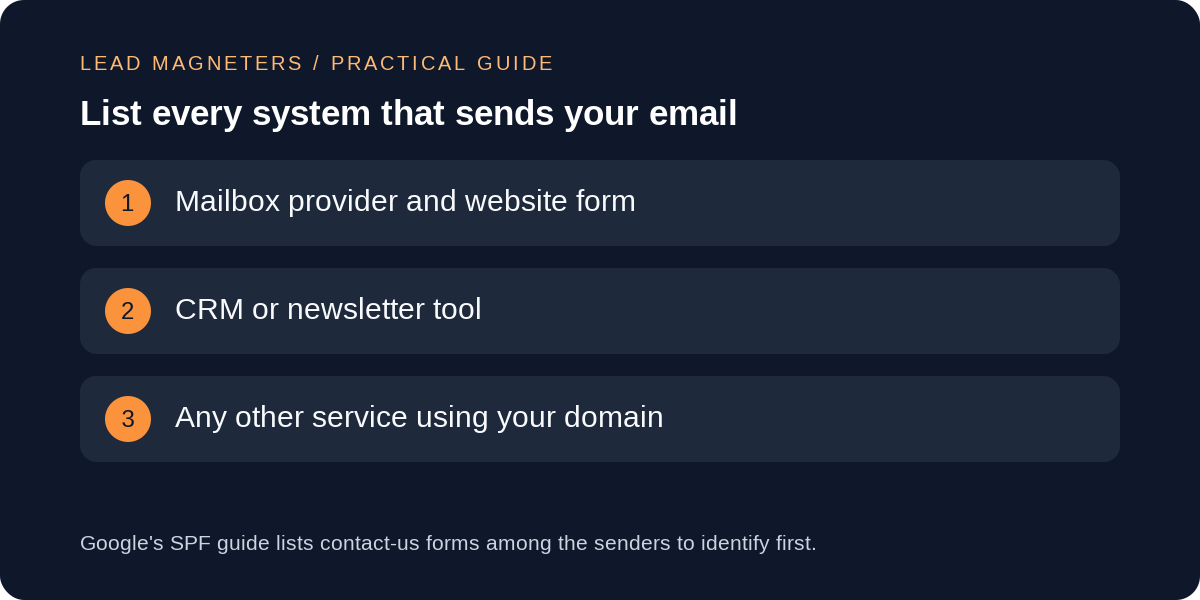
Google's SPF guide tells administrators to identify all senders before writing the record, and its list includes web servers, on-premise mail servers, outbound gateways, services that send automatic email such as contact-us forms, and any third-party provider that sends for your domain. For an enquiry journey that usually means your mailbox provider, the website form or its email service, your CRM and any newsletter or booking tool.
Ask your web developer and each tool owner which From address they use and whether it uses your domain. Test it rather than guessing: submit a synthetic enquiry with a made-up name to an inbox you control, then open the message source and read the authentication results. Do not use a real customer's details for a test.
Map who receives each enquiry →
Step two: fix SPF and DKIM before DMARC
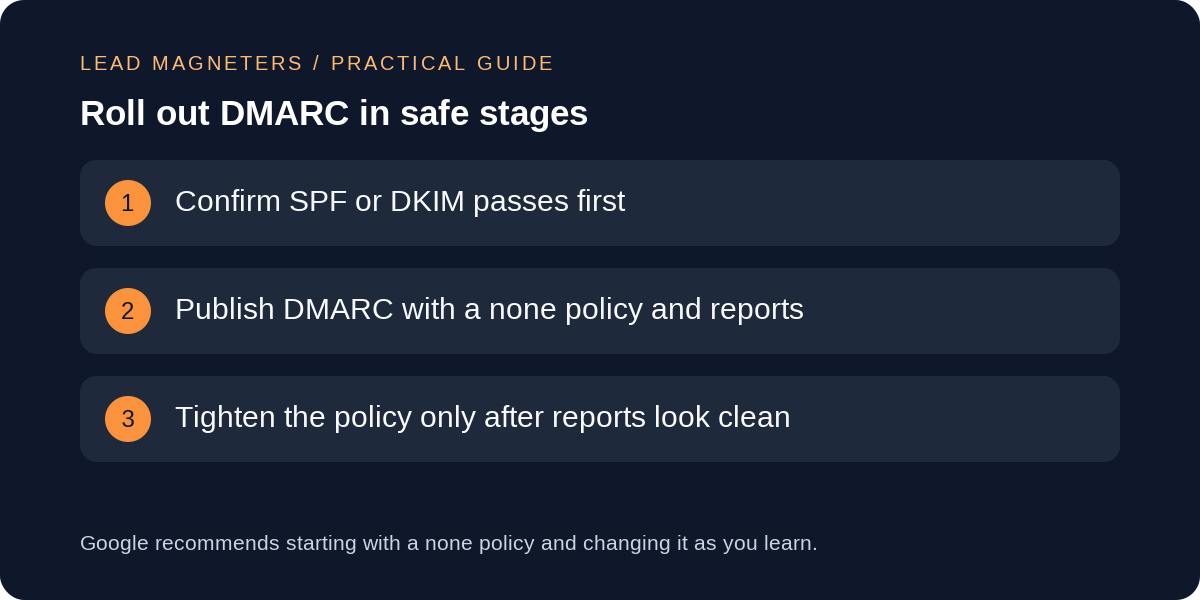
An SPF record starts with v=spf1, uses include: for each sender and ends with a policy tag. Google's guide says a record can have up to 10 include tags and recommends ending with ~all. A second, separate SPF record for the same domain is a common mistake, so merge senders into one record following your domain host's instructions. For DKIM, the private key stays with the sending service and the public key goes into DNS; in Google Workspace you may need to wait 24 to 72 hours after turning on Gmail before the key can be generated.
Google also warns that outbound gateways that change messages, for example by adding a footer, must not interfere with DKIM signatures. If a tool signs with its own domain rather than yours, ask the provider how to authenticate your domain. Keep a note of each selector, which you can find in the s value of a DKIM-Signature header.
Step three: publish DMARC gradually and watch the reports
Google's DMARC guide says SPF or DKIM must be working first, advises allowing 48 hours after setup, and recommends starting with the policy set to none while you learn how receivers authenticate your mail. The rua tag sends aggregate reports to an address you list, and Google suggests a dedicated mailbox or group because the volume can be high. It also says Gmail does not support the ruf tag for failure reports.
Move to quarantine or reject only when the reports show every legitimate sender passing, and consider the pct tag to apply the policy to a share of failing mail at first. Third-party services need to be authenticated before you tighten anything, or genuine enquiry replies could be junked. If you are unsure how DNS changes affect other services, ask your domain host or adviser before editing live records.
A fictional example and a review record
Imagine Harbour Desk Studio, an invented design consultancy in Istanbul. Its team uses a mailbox provider, a website form that emails notifications and a CRM that sends replies. The review finds that the mailbox provider has SPF and DKIM, the form sends from the provider's default address with the studio's domain in the From line, and the CRM does not sign with the studio's domain. The studio adds the form service to its single SPF record, asks the CRM vendor for its DKIM setup steps and publishes DMARC with a none policy and reports going to a shared mailbox.
After a fortnight the reports show the form and CRM passing, so the studio plans a move to quarantine. It records each sender, the From address, the selector, the date tested, the owner and what changed. The example is invented and shows no client or result. Passing checks mean receivers can verify the sender; they do not show that anyone read, answered or became a customer.