The Google Ads location report shows where your ads appeared, and it should be read together with where your business can actually serve customers before any targeting changes. Start with the difference between targeted locations and matched locations, check how much traffic is unspecified, and compare each area with your serviceable areas and enquiry quality. This guide helps service businesses in Istanbul and teams advertising to international customers avoid reacting to a few clicks from an unexpected place. It includes a fictional example and a short review record. It does not promise any result, and the example is illustrative, not a client result.
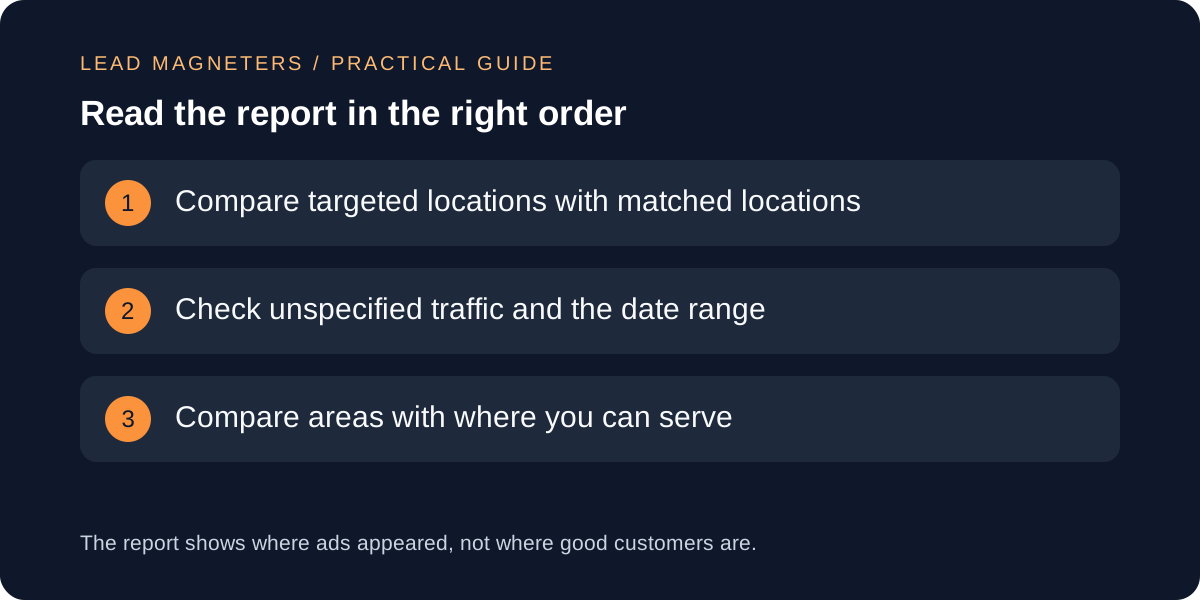
Know what each location view means
Google's help page on measuring geographic performance describes two views in the Locations report. Targeted locations show performance by the places you chose in campaign settings. Matched locations show performance based on where your ads appeared, and Google says these could be users' physical locations or locations of interest. The second view is the one that reveals surprises, because an ad can reach a person who was searching about a place without being in it.
Check the targeting option behind the campaign before reading the numbers. Google's page on targeting geographic locations says you can show ads for a person's physical location, their locations of interest or both, and that the advanced options use both signals by default. A report full of overseas places may be the result of that setting working as designed, not a fault. Write down which option each campaign uses so the review starts from the right question.
Remember how location is determined
Google states that location targeting is its best effort and that complete accuracy is not guaranteed in every situation. It describes physical location being based on signals such as the device, IP address and Wi-Fi where possible, and locations of interest being inferred from signals such as search terms, past searches and website content. That means a place in the report is a probability, not a certificate that a customer lives there.
Keep this limit in mind when you reach conclusions about a single place. One click from a distant city is not evidence of a new market, and one click from outside your area is not proof that targeting is broken. Look for a pattern across a comparable period, and treat isolated rows as questions to note, not decisions to make.
Read the caveats before the totals
The help page lists several cautions. Locations are aggregated across users. Location reports cover target types only within the country you are targeting. Some traffic appears as unspecified when the location cannot be determined. Figures below country level may not add up to campaign totals, because some impressions are matched only at country level. Geographic numbers can also differ from billing, third-party tracking or web logs.
Use those cautions as a checklist. Note the date range, the share of unspecified traffic and whether you are comparing like with like. If your analytics and your Google Ads numbers disagree by place, find out why before deciding which is right. Often the difference comes from what each tool counts and when, not from an error you can fix.
Plan how qualified enquiries are measured →
Compare areas with where you can serve
List the areas where you can genuinely deliver, and any where you can serve only some services or only remotely. Then mark each location in the report as inside, partly inside or outside. A place outside your serviceable areas that shows clicks but no enquiries is a candidate for review. A place that sends enquiries you can serve is worth protecting even if its cost looks high.
Use enquiry quality, not only cost per click. Ask whoever handles enquiries which places produce requests that match your services. Cost and click data say little about whether the person wanted the service you offer. Where enquiries are few, say so in the record and avoid treating a handful as a trend.
Exclude carefully and change one thing at a time
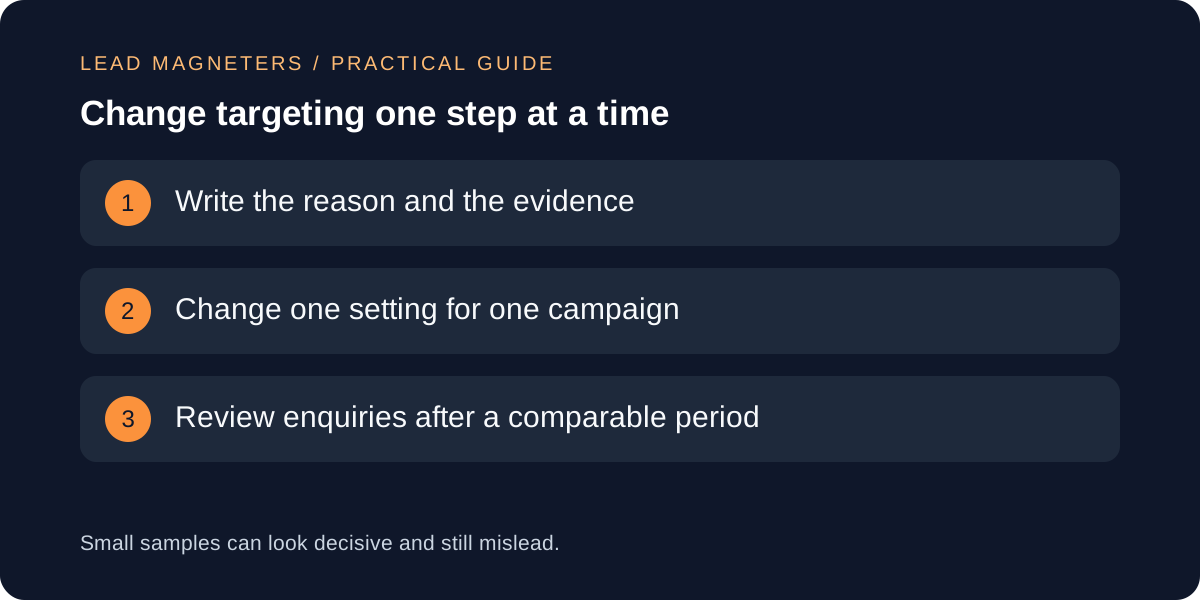
Excluding a location is a strong change. Google's page on excluding locations says exclusions can keep ads from certain parts of targeted locations, that an area both targeted and excluded is excluded, and that location targeting does not determine geographic borders. Choose the smallest change that fits the evidence, for example excluding a specific area, not removing a whole region.
Record each change: the date, the campaign, the reason, the evidence and the review date. Change one setting at a time so you can tell what caused any difference. Review enquiries after a comparable period and keep the old setting noted so you can return to it if the change does not help. Targeting that looked wasteful sometimes turns out to bring the enquiries that matter.
A fictional example
Imagine a fictional Istanbul dental-technology supplier advertising to clinics in Turkey. The matched locations view shows a few clicks from a Gulf city, and the supplier can ship there but has no local support. The team records the clicks, checks that none produced an enquiry in the period, and leaves targeting unchanged because the sample is small and shipping is possible.
A month later the same city produces two enquiries the team can serve. They keep the setting, add a note about delivery and support, and adjust the landing page wording to explain what is available. If instead the enquiries had been out of scope, the team would have excluded that city for that campaign only and reviewed after a comparable period. The supplier and places are illustrative only.