A business listing change log is a dated record of every change to your name, address, phone number, website and opening hours, showing where each change was made and whether it is live. You need one because listings multiply quietly: a Google Business Profile, a chamber of commerce entry, a social page and an old directory may all show different phone numbers after a move or a rebrand. This guide is for small service businesses in Istanbul and those serving international clients. It explains what to record, the order to update things and how to check the result, with a fictional worked example and a log you can copy. It describes record keeping, not a ranking tactic, and nothing here promises a ranking, a citation or more enquiries.
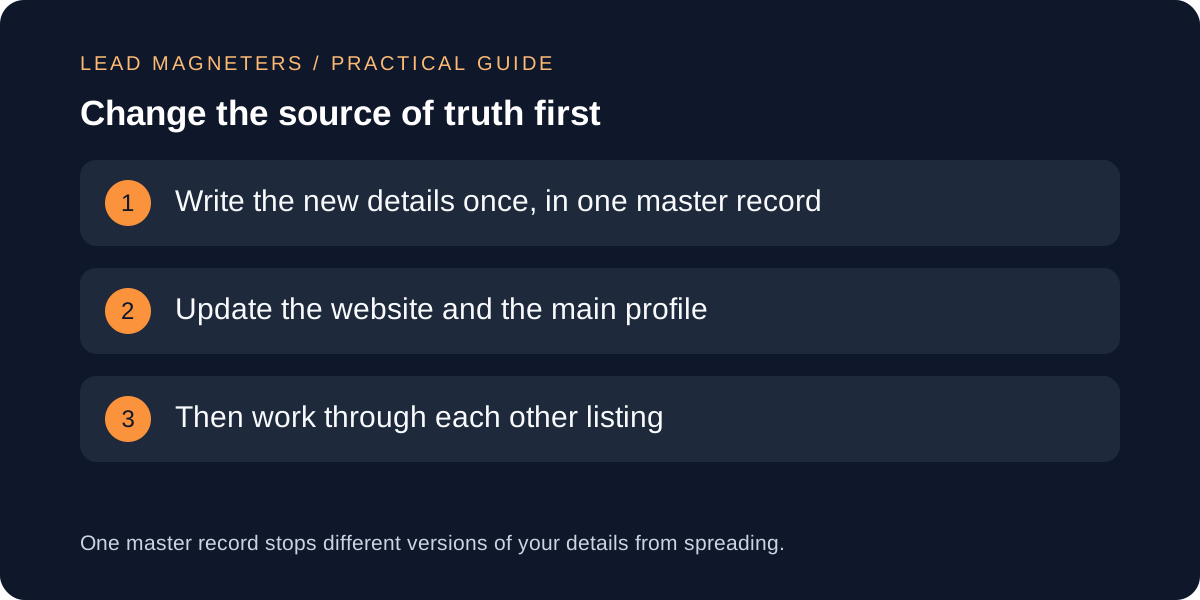
Create one master record of your details
Start with a single document that holds the approved version of each detail: business name, address, phone numbers, website address, opening hours and service area. Every listing is then compared against this record rather than against another listing. Keep it short and plain, and name one person who may change it.
Google's guidance says the business name should be the real-world name you consistently display on your storefront, website and stationery, without taglines, phone numbers, URLs or location details. Write your master name that way, so the same wording can go everywhere.
List every place your details appear
Build an inventory: your website footer and contact page, your Google Business Profile, social profiles, directories, marketplaces, email signatures, invoices and proposal templates. Note the login owner and the address of each listing. Listings created years ago by a former colleague are the ones most often forgotten.
Mark which entries you control and which are created or edited by others. You can usually edit the first group directly; for the second you may need to request a correction. The inventory turns a vague worry about being inconsistent into a finite list of tasks.
Change the website and main profile first
Update your own website first, because it is the source other people check. Change the footer, contact page and any structured data. Google's local business markup documentation lists name and address as required properties and telephone and opening hours as recommended ones, so these are the details to keep aligned in the markup and on the visible page.
Then update your main Business Profile. Google's help says it reviews your changes before they go live, and that after a move you may have to verify again. The page does not state how long updates take, so treat the live result as something to check, not assume.
Check your website contact page →
Follow the profile rules for each field
Google's representation guidelines say the address must be a precise physical location, not a remote mailbox or virtual office, and that service-area businesses should hide their address. The phone number should connect to your individual location and be under your direct control, and the website should represent that location rather than redirect to unrelated pages or social media.
For hours, the guidelines ask for regular customer-facing hours and use special hours for holidays and exceptions. Log a temporary closure as a special-hours entry with its end date, not as a permanent change, so the regular hours stay accurate afterwards.
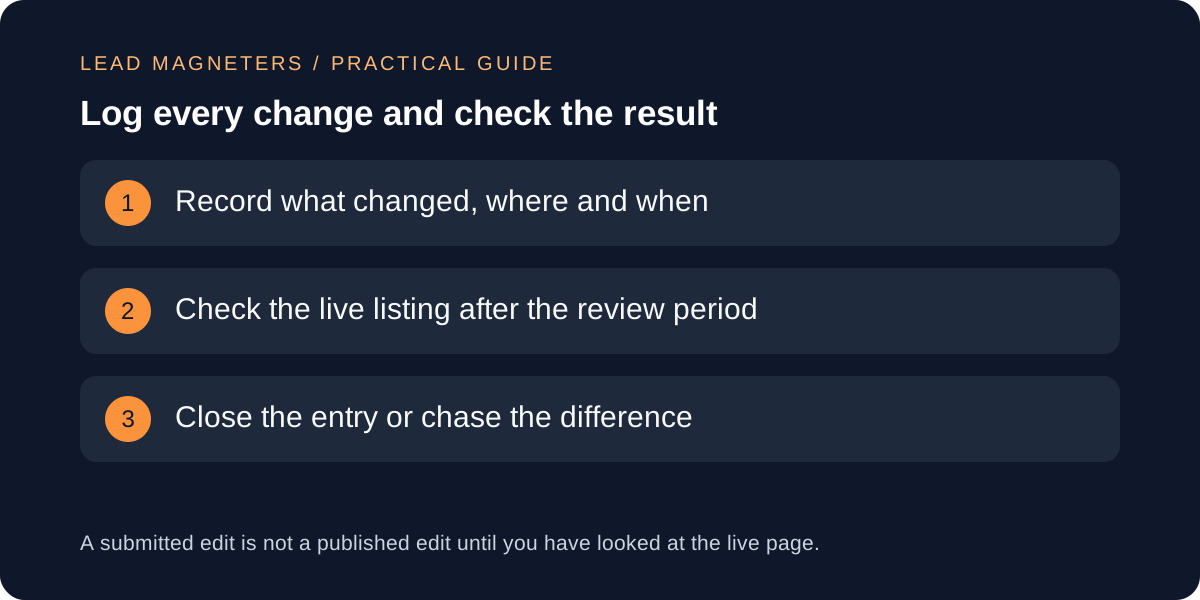
Record each edit and verify the live result
For every change, log the date, the field, the old value, the new value, who made it, where and the evidence for it, such as a signed lease or a new phone contract. Add a status: submitted, live, or needs follow-up. Google offers an edit status check for profile changes, and you can note what it shows alongside your own date.
After the review period, open the public listing and compare it with the master record. Do this in a private window and on a phone, because that is how customers see it. If a value still differs, record the difference and the next action instead of closing the entry.
Use a fictional example and a copyable log
A fictional example: Kadikoy Print Studio, an invented Istanbul firm, moves office and changes its phone number. It updates its master record, then the website footer and contact page, then its Business Profile, and logs each as submitted. A week later it finds a directory still showing the old number. The log shows that entry as open, with the date the correction was requested, so the follow-up is not forgotten.
Copy this log: date, listing, field, old value, new value, changed by, evidence, status, date checked live, notes. Review the full inventory every quarter and after any move, rebrand or phone change, and keep old entries so you can see how a mismatch started.