A CRM follow-up email template is safe to reuse only when it fits the enquiry stage, reflects what the customer actually asked for and meets the email rules that apply to your sending. Templates drift: a message written for a fresh enquiry gets sent to someone who already declined, or a reminder keeps going out after the customer asked for a phone call instead. This guide is for service businesses in Istanbul and teams serving international buyers who keep saved follow-up emails in a CRM. It follows the FTC's CAN-SPAM guide and Google's sender guidelines, includes a fictional example and gives you a review record to copy. It cannot promise replies or deliverability; it helps you send fewer wrong messages.
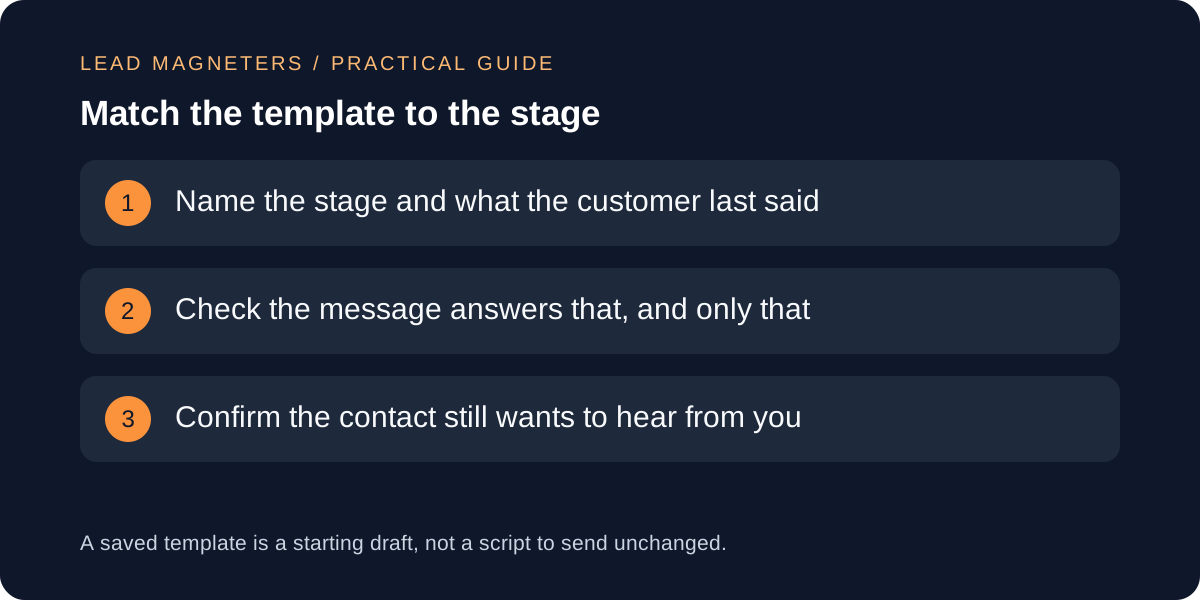
List every template and the stage it belongs to
Start with an inventory. For each saved follow-up email record its name, the pipeline stage where it should be used, who owns it, when it was last edited and what it asks the reader to do. Most teams find templates that no stage actually uses, or two near-identical versions with different offers. Merge duplicates and retire anything nobody can place in a stage.
Stage context matters because the right next message differs. A contact who has just enquired needs a different note from one who received a quote last week or one who asked you to come back next quarter. If your stages are loose, define them first so the review has something to test against.
Check the message against the customer's last words
Open three recent records that received each template and read the thread before the follow-up. Ask whether the email acknowledges what the person actually said: a stated budget limit, a preferred channel, a requested date or a clear no. A template that repeats the original pitch to someone who asked for a call is a defect even if the wording is polished.
Add a plain preference field in the CRM, such as preferred channel, preferred language and do-not-follow-up, and make the template tell the sender to check it before sending. Preferences come from what the customer wrote or said, so record the source and date rather than assuming. Keep the first reply guide beside this review so that the follow-up builds on it instead of repeating it.
Separate marketing messages from service messages
The FTC's CAN-SPAM guide says commercial email needs accurate header information, a subject line that is not deceptive, a valid postal address and a clear way to opt out, and that opt-out requests must be honoured within 10 business days. It treats messages whose primary purpose is transactional or relationship-related differently, but it says that exemption is applied narrowly and that the primary purpose depends on content. A mixed message is treated as commercial if the subject line suggests a commercial message or the transactional content does not come mainly at the beginning.
Tag each template as a reply to a specific request, a service message, or a promotional follow-up, and give promotional ones an opt-out path. Rules also depend on where your recipients are, so confirm the requirements for your own markets with a qualified adviser. This article is not legal advice.
See how routing affects who sends what →
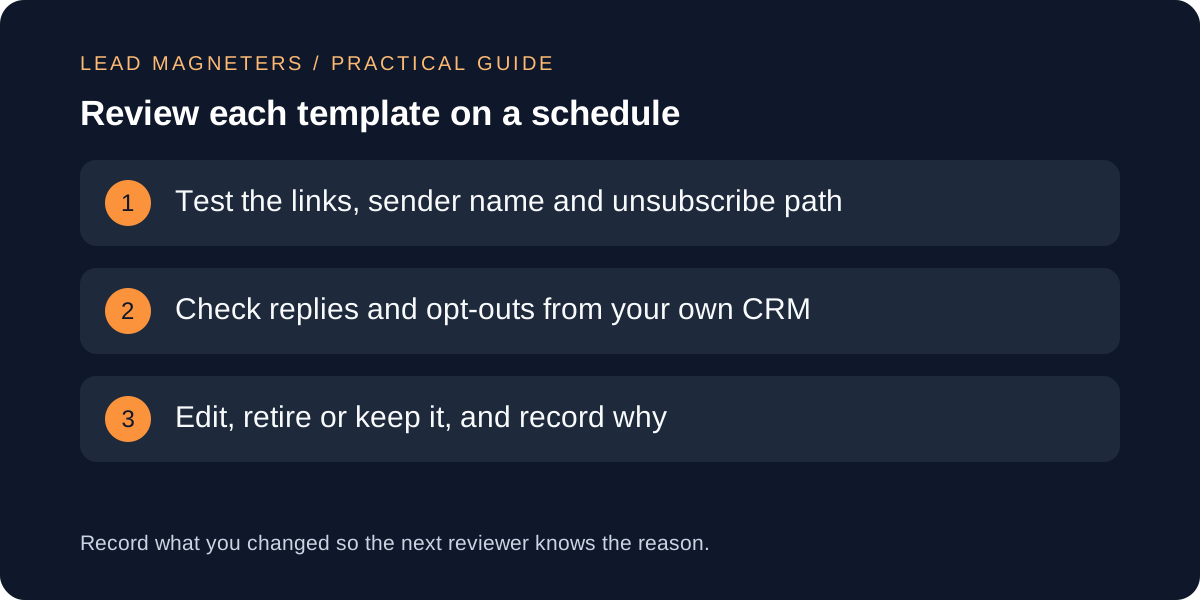
Test sender details, links and unsubscribe handling
Google's sender guidelines ask senders to authenticate with SPF, DKIM and DMARC and, for bulk senders, to support one-click unsubscribe for marketing messages, with a visible unsubscribe link in the body. Google defines a bulk sender as one sending close to 5,000 or more messages to personal Gmail accounts in 24 hours, so a small service team may not reach that threshold, but the same hygiene helps any sender. Google also advises keeping the spam rate below 0.10% and never reaching 0.30%.
Each review should send the template to test addresses you control and check the From name, reply-to address, every link, the unsubscribe path and the mobile layout. Google's FAQ recommends honouring unsubscribe requests within 48 hours, and its table lists unhonoured requests as a sender issue, so confirm that opt-outs reach the CRM and stop the next scheduled message.
Review replies, opt-outs and the lost-reason record
For each template look at what happened after it was sent: replies, bounces, opt-outs, and complaints you know about. Keep these as counts with the date range and say plainly when the number is too small to conclude anything. Two replies from one template and none from another is a note, not a ranking. Compare outcomes only between messages sent to the same stage and similar contacts.
Link the template to the lost-opportunity reasons your team records. If many contacts at the quote stage leave citing timing, a follow-up that pushes a discount may be the wrong message. The CRM review of loss reasons shows which assumptions customers actually confirmed.
A fictional example and the review record to copy
Fictional example: Bosphorus Tiles, an imaginary Istanbul tile supplier, has four saved follow-ups. The reviewer finds that the quote reminder is also scheduled for contacts who wrote that they will decide in spring, and that its unsubscribe link points to an old page. The team edits the reminder to pause when a return date is recorded, repairs the link, retires a duplicate and notes that eleven sends are too few to compare templates.
Copy these fields: template name; stage; owner; message type; preference check; sender and link test date; unsubscribe test result; replies, opt-outs and bounces with date range; limits note; decision (keep, edit, retire); and next review date. Review quarterly, or sooner when your offer, domain or CRM changes.