A service explainer video brief should tell the production team what a prospective customer needs to understand, not merely request a professional-looking video. Without that decision, a short project can grow into a collection of office shots, slogans and unrelated features. For a business serving Turkey and international markets, the brief also needs to address language, evidence and the next step after watching. This guide describes how to prepare one useful explanatory video before filming or animation begins. It is intended for service teams working with an internal creator or an external production partner. The examples illustrate planning choices rather than a promise that video will increase enquiries.
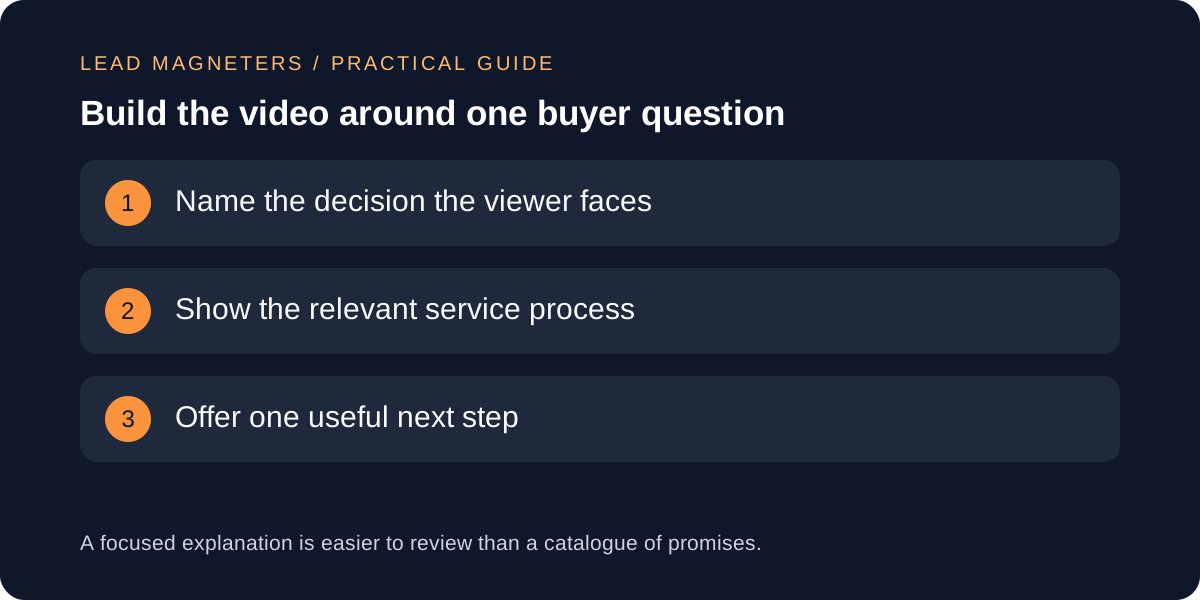
Choose one question the viewer needs answered
Begin with a question heard in real sales conversations, such as what happens during the first project meeting or what information a customer should prepare before requesting a proposal. Choose a question that can be answered honestly within the intended format. A video explaining every service, audience and advantage at once usually lacks a clear purpose. Write the viewer's starting uncertainty and the understanding they should have at the end. Ask the service owner to confirm that the selected question matters to the buying process.
Specify where the video will appear and what surrounds it. A service-page visitor may already know the company name, while someone discovering a social clip may need more context. The same recording can support several edits, but each edit should have its own opening and next step. Do not make a website video depend on a caption that only exists on a social platform. Record the audience, placement and intended decision in the brief. This gives the team a practical basis for cutting material that is interesting but does not help the viewer answer the chosen question.
Outline the explanation before writing a polished script
Use a simple sequence: the customer's question, the relevant process or example, and the next action. For a hypothetical website consultation video, the middle could show how the team reviews objectives, current pages and project constraints. Avoid implying that the consultation includes a full audit or design if that is not the actual service. Write the explanation in ordinary spoken language, then read it aloud. Sentences that look impressive in a proposal often sound unnatural when spoken to a camera.
Prepare a two-column script showing what is said and what the viewer sees. Each visual should support the explanation beside it. A screen recording can illustrate a step, while a diagram can simplify a relationship that would otherwise require a long monologue. Mark where the presenter must pause for the viewer to absorb a detail. Do not set a runtime solely because a popular format uses that duration. Estimate the time from a real reading and decide whether the explanation needs to be shortened, divided or supported by a separate written guide.
Review evidence, permissions and the boundaries of examples
Create a claim list before production. Mark statements about deliverables, timing, results, team experience and customer outcomes. Identify which statements are supported and who can approve them. If a result belongs to a particular project, do not present it as a typical outcome without evidence. If the team lacks permission to show a client's work, use a clearly labelled illustrative example rather than implying that a mockup is a completed engagement. Resolve these questions before recording, when revisions are still inexpensive.
Check rights for footage, photographs, music, voice recordings and any third-party interface material used in the edit. Keep the permission or licence records with the project. Confirm whether the planned use includes website publication, social distribution and paid promotion, because the same asset may not be cleared for every placement. Remove private information from screen captures and staging examples. A brief should tell the editor which material is approved, which is provisional and which must not appear. This avoids forcing the final reviewer to identify an unfamiliar client name or confidential dashboard in a nearly finished video.
Organise image rights and asset handoff →
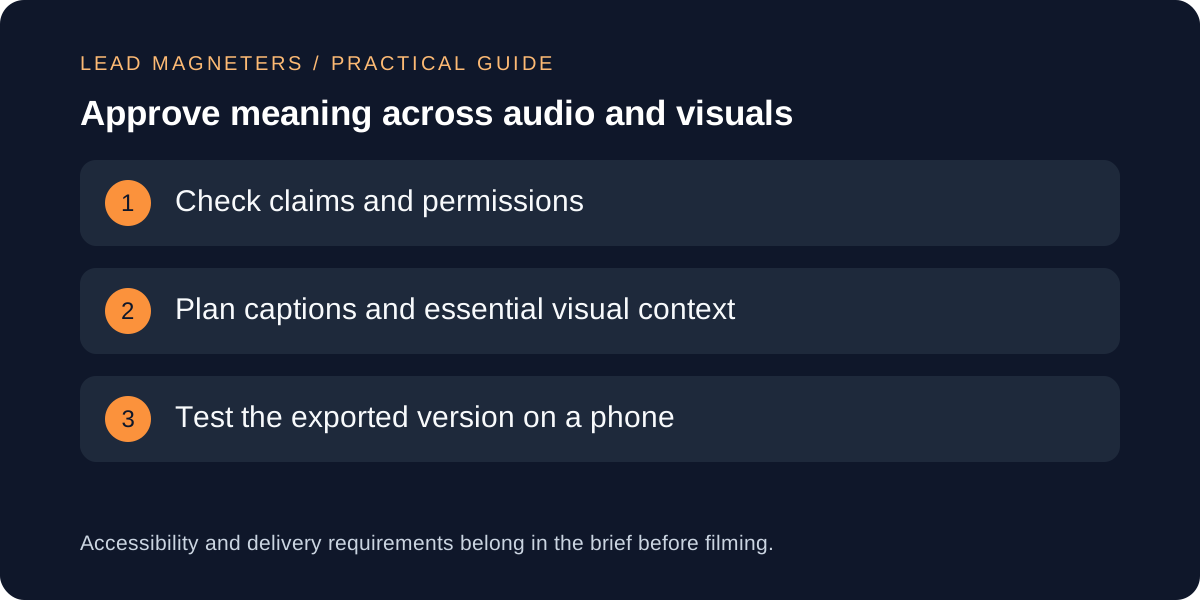
Plan accessibility as part of production
W3C's media guidance recommends considering accessibility while planning and producing the material. Captions, transcripts and descriptions of important visual information require different decisions depending on the content and format. Work out what a viewer would miss without hearing the soundtrack or seeing a particular visual. If a chart carries the main argument, the spoken explanation should communicate its essential meaning rather than merely saying look at this. Make those requirements visible in the script and production handoff before the recording session.
Assign responsibility for reviewing captions and names. Automatically generated text can be a useful starting point, but it needs checking against the recording, particularly for technical terms and multilingual content. Keep meaningful information available outside the video where practical, such as a written service summary or a descriptive transcript. Check that text overlays remain readable on the actual target screen and do not conflict with captions. These are practical acceptance tasks, not a declaration that a video meets every accessibility requirement. A specific compliance assessment may need a broader review of the content and player together.
Agree on lightweight website delivery and platform versions
Tell the developer how the video will be delivered before the final export is approved. Discuss the player, poster image, loading behaviour and whether the page needs to load a third-party embed immediately. Keep the website's existing performance goals in view. A short clip can still introduce heavy scripts or an unnecessarily large download. Ask for a review of the actual service page with the player installed, rather than approving the file size alone. The enquiry action and written explanation should remain usable when the visitor chooses not to play the video.
For additional placements, specify the crop, caption treatment and context needed for each version. A vertical social edit may require different framing from a wide website video. Keep important content away from areas likely to be covered by interface controls or captions, and verify the result in the destination preview. Do not assume that a single export will look equally clear everywhere. Name the files by version and placement so that the publishing team can distinguish the approved website asset from a rough cut or a social version with a different ending.
Review the finished explanation with someone outside production
Ask a colleague who has not followed the production process to watch the proposed final version. Have them describe the service, what is included and what they should do next. Compare their interpretation with the brief. If they infer a guarantee, price or deliverable that the business does not offer, investigate the wording and visuals together. A disclaimer at the end may not correct a misleading impression created throughout the video. Review captions, links and the destination page as part of the same customer journey.
Save the approved script, final files, permissions and a short maintenance note. Identify which changes would require a new version, such as a different service process or outdated interface demonstration. After publication, review useful engagement and enquiry feedback without treating views alone as business success. For a marketing consultation, bring the buyer question, placement, service scope and available evidence. A focused brief makes it easier to choose a proportionate production approach and create a video that explains something the customer actually needs to know before contacting the team.