Yes: structured data should describe what visitors can see on the same page, and anything else is a reason to correct or remove it. Many service websites add JSON-LD once, through a template or plugin, and never look at it again. Months later the phone number, opening hours or service list on the page has changed while the markup still shows the old values. This review helps small service businesses in Istanbul and teams serving international buyers compare markup with visible content, fix mismatches and keep a short record. It includes a fictional worked example. Google does not guarantee that valid markup produces a rich result, so treat this as an accuracy check rather than a ranking tactic.
List what your templates actually output
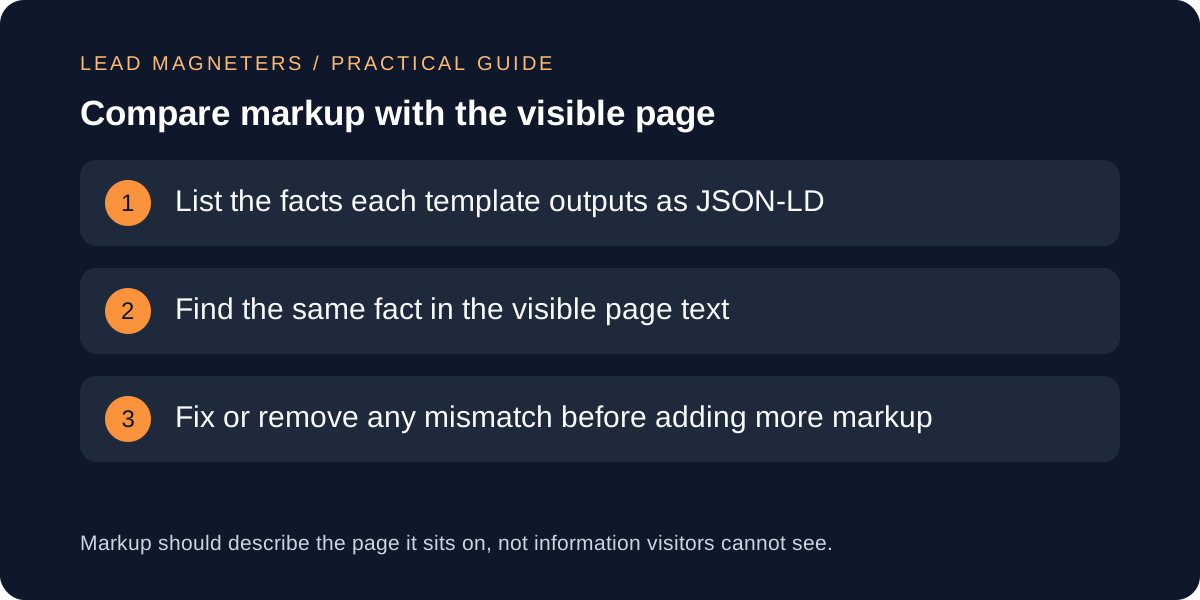
Start with the page types that matter: the home page, an about page, service pages and any location or contact page. For each type, open the page source or a testing tool and write down every fact the JSON-LD states, such as the business name, address, telephone number, URL, logo, opening hours and service names. Include markup added by a theme, a plugin or a tag manager, because it can duplicate or contradict markup in the template.
Note which type each block uses. Google's local business guidance asks for the most specific applicable subtype and treats address and name as required for that feature, and its organization guidance has no required properties but recommends adding the ones that apply. A short inventory, one row per page type, makes later checks quick and shows where two sources describe the same business differently.
Match each marked-up fact to visible text
Google's introduction to structured data says markup should describe the page it is on and should not describe information that is not visible to users, even when that information is accurate. Its general guidelines repeat the point: the content marked up must be visible, and the page body should describe the same thing as the JSON-LD. Take your inventory and find each fact in the rendered page as a visitor would see it, not only in the source.
Mark each row as matching, mismatching or not visible. A telephone number in markup that appears nowhere on the page is a mismatch, as is a service listed in markup that the page does not describe. Where a fact is correct but not visible, either show it on the page for readers or remove it from the markup. Do not add visible text only to justify markup.
Avoid markup that implies more than the page shows
The guidelines also warn against marking up irrelevant or misleading content and against using markup to deceive or impersonate. Review ratings and review markup deserve particular care: Google's local business page says these properties are recommended only for sites that capture reviews about other local businesses, and the general guidelines expect all visible items of a type to be included when they are marked up. Never add ratings or reviews that visitors cannot read on the page.
Apply the same discipline to services, prices and areas served. If a service page does not state a price, do not add one to the markup. If you serve only some districts, list only those. Google notes that a structured data problem can lead to a manual action, which removes rich result eligibility. Unverifiable claims also reduce trust with human readers, so remove what you cannot support.
Keep listing details consistent →
Validate, then inspect the live URL
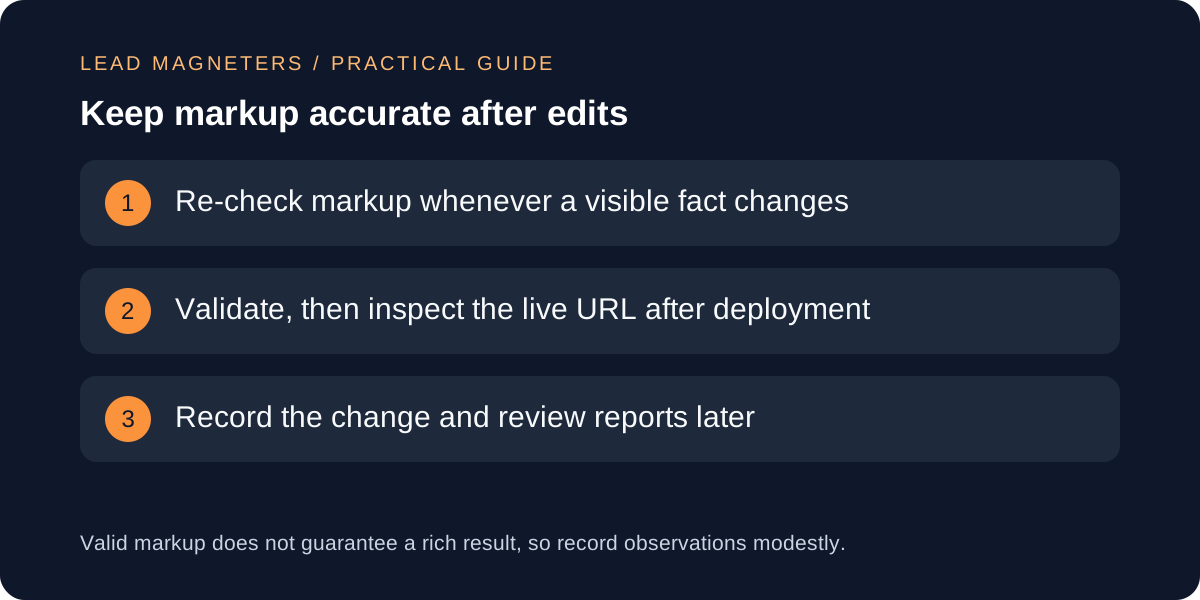
Use the Rich Results Test during development and the URL Inspection tool after deployment, as Google's local business and organization pages suggest. The test checks the syntax and required properties for supported features. It does not judge whether the content is honest, and Google says it can miss content issues, so your own visible-content comparison remains the real check.
After the page is live, watch the rich result status reports in Search Console where your markup type has one. Google notes that templating or serving problems can break markup after launch. If a report shows errors, open an affected URL, compare it with your inventory and fix the template rather than patching one page. Keep pages accessible to crawlers: do not block marked-up pages with robots.txt or noindex.
Work through a fictional example
Imagine a fictional Istanbul accounting practice, Northbridge Advisory. Its template outputs a LocalBusiness block with a telephone number, opening hours and a line saying it offers payroll and tax filing. The inventory shows the visible contact page lists a new telephone number and weekday hours only, and the service page covers tax filing but never mentions payroll. Two rows mismatch and one fact, the old number, is out of date.
The team updates the telephone number and hours in the template so both come from one setting, removes payroll from the markup until the page describes it, validates the page and inspects the live URL. They record the date, the pages changed and who confirmed the number. This example is invented for illustration and does not describe a real client or a guaranteed outcome.
Keep a review record and a schedule tied to change
Record for each page type the date reviewed, the facts checked, mismatches found, the fix, who confirmed the facts and the tool used. Store it where the person who edits the site can find it. Tie reviews to events rather than a calendar: a new phone number, a service launch, a redesign, a plugin update or a template change should each trigger a quick recheck.
When you plan a redesign, include markup in the same checklist as redirects and titles, so facts are not lost or duplicated in the new templates. Measure results modestly. Search observations can move for many reasons, and a rich result may or may not appear. A good outcome is markup that stays accurate and a team that knows who maintains it.