An XML sitemap audit checks whether a website is giving search engines a clean, maintainable list of the URLs it prefers to have discovered. A sitemap can help a new, growing or media-rich site expose important pages, but it does not replace internal links and it does not guarantee that a listed URL will be crawled or indexed. For a service business, the file should normally focus on real service pages, substantive category guides and published articles. Redirects, staging routes, duplicate parameter URLs, missing pages and private confirmation states create noise rather than clarity. This checklist explains how to compare the sitemap with the live site, confirm canonical and response behaviour, use accurate update information and interpret Search Console processing evidence without treating submission as a ranking tactic.
Define which pages deserve sitemap membership
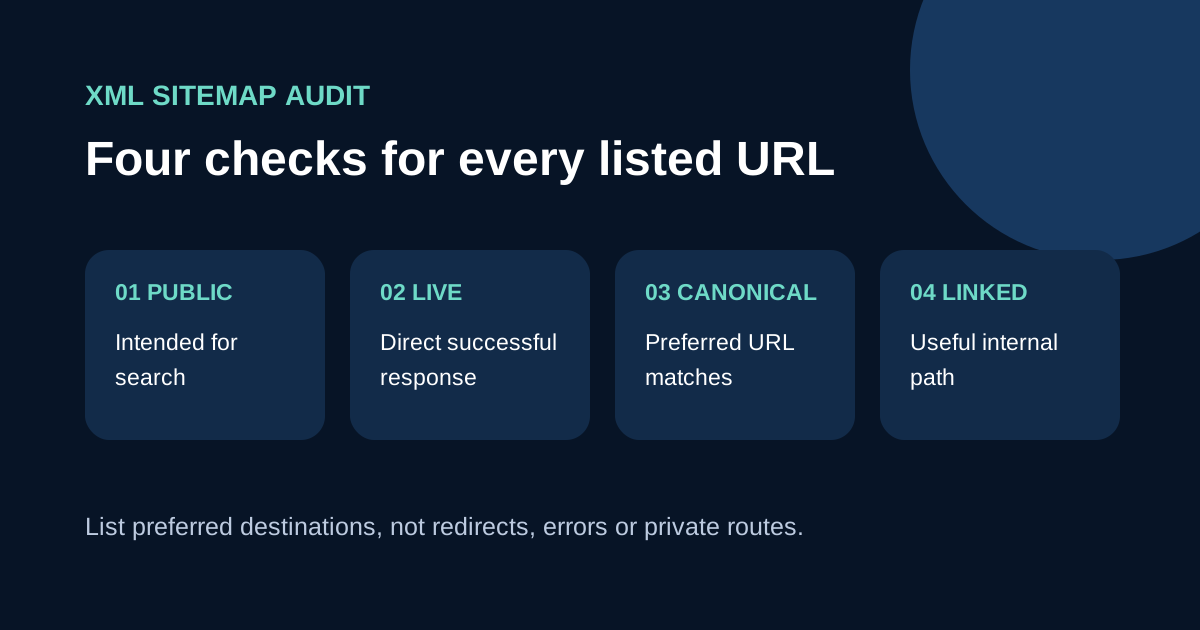
Begin with the business's public content inventory, not with the XML file. List the service pages, useful market or language pages, main category guides and published articles that should be available in search. Add the purpose, owner and preferred public URL for each. Pages created only for preview, internal search, form confirmation, administration or short-lived tracking generally need a different treatment. A sitemap should reflect an indexing decision already made by the content and technical teams; it should not make that decision by accident.
Google describes a sitemap as a way to provide information about pages and files a site considers important. It can improve discovery, especially for a new, large or weakly linked website, while well-linked small sites may already expose most pages through navigation. Treat the file as a supporting discovery source. Every important listed page should still be reachable through ordinary crawlable links from an appropriate service, category or article context. A URL that exists only in XML is a signal to inspect the site architecture rather than proof that the page is properly integrated.
Check format, location and size constraints
Open the sitemap directly and confirm that it returns a successful response with valid XML. Each location should use a fully qualified absolute URL, including the correct protocol and hostname. Google recommends hosting a sitemap at the site root when it needs to cover the whole site unless it is submitted through another supported method. Confirm that the production robots.txt references the intended sitemap when that is part of the discovery plan. Avoid pointing public crawler instructions to a staging host or an obsolete sitemap left by an earlier platform.
Google currently limits one sitemap to 50 MB uncompressed or 50,000 URLs. Larger inventories must be split, and a sitemap index can reference the parts. Most service websites are far smaller, but automatic generation is still preferable once the content library changes regularly. Grouping sitemaps by a meaningful type can make monitoring easier, yet creating many tiny files adds maintenance without improving the content. Check UTF-8 encoding, XML escaping and whether generation succeeds during the production build instead of relying on a manually edited file that soon becomes stale.
Validate every URL against its live response
Sample every page family and automate a complete response check where practical. A listed URL should normally return a direct successful response. Remove addresses that return a not-found page, server error, redirect or soft error. If an old route permanently redirects to a new article path, list the new final path and update internal links to it. Keep the redirect for visitors who still use the old address, but do not make search engines process the redirect every time they read the sitemap.
Inspect more than status codes. Confirm that the page contains its expected main content, has one clear primary heading and is not blocked by authentication, robots directives or an unintended noindex rule. Check representative mobile and language versions. A server can return a 200 response for a page that says the article is missing; Google may treat this as a soft 404. Record the tested time and release version so a later regression can be tied to a deployment rather than dismissed as a Search Console delay.
Use the staging and production launch checklist →
Align sitemap URLs with canonical signals
Include the preferred canonical version of each page. That means choosing one consistent hostname, protocol, trailing-slash policy and language route, then ensuring the page's canonical element points to the same address. Google explains that URLs listed in a sitemap are suggested as canonicals, while it still decides how to group duplicates. Mixed signals make the preferred version harder to understand. Do not list both a short legacy article URL and its new category-based destination when one permanently redirects to the other.
Compare the sitemap against internal links and redirects. If navigation points to one version, the canonical points to another and the sitemap lists a third, correct the publishing system rather than adding more tags. Query parameters used for campaign measurement usually should not create separate sitemap entries when the underlying content is the same. Language versions require their own deliberate canonical and alternate-language design. Keep this review factual: matching signals can improve technical clarity, but they do not guarantee that Google will select or index a page.
Use lastmod only when the page changed meaningfully
A last modification value should reflect a meaningful update to the page, such as revised primary content, a corrected service detail or a substantial article change. Do not set every URL to the current build time merely because the sitemap was regenerated. That erases the distinction between a real editorial update and an unrelated deployment. Store a reliable content date in the publishing source, format it correctly and test that it remains stable when other parts of the site are released.
Google's crawling guidance recommends using lastmod to indicate when an indexed URL was updated, while also warning against expecting immediate crawling. Review whether a date change corresponds with visible content. If a shared header or footer update genuinely affects every page, decide whether the system should record that separately from editorial modification. Avoid invented freshness. A trustworthy date helps teams audit releases and gives crawlers useful information; an always-changing value turns the field into noise and encourages repeated, unproductive submission.
Submit once, investigate reports and maintain the file
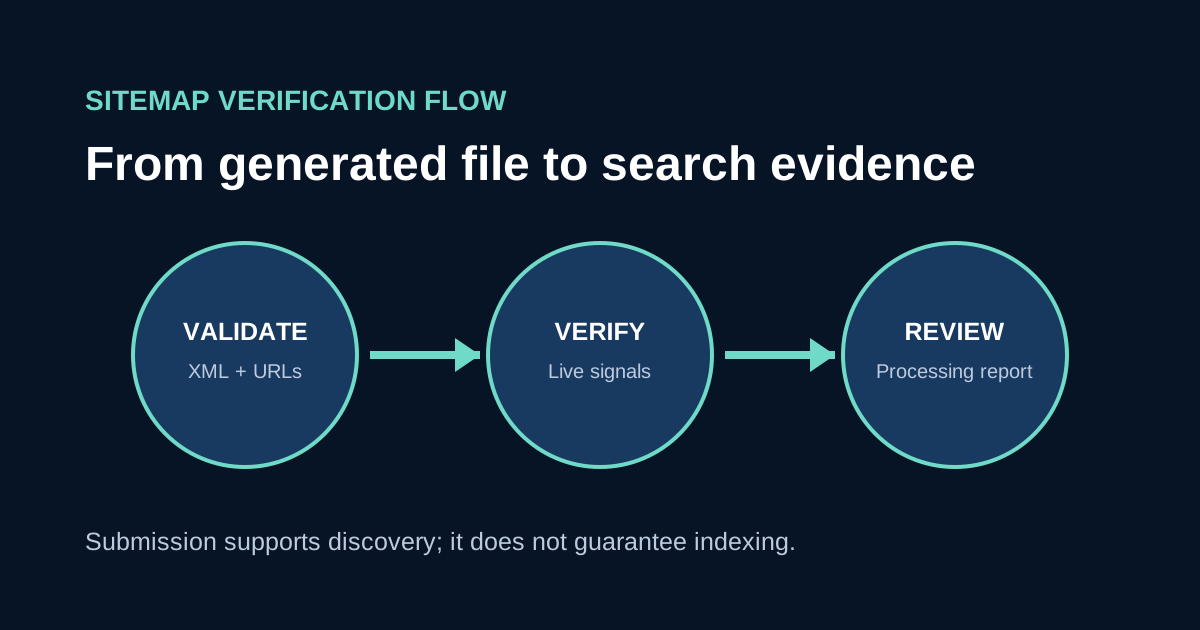
Make the production sitemap available through the documented method, such as Search Console or a robots.txt reference. Google states that submission is a hint and does not guarantee download, crawling or indexing. In Search Console, review the last read time, processing state, discovered URL count and any specific error. Compare the submitted property and hostname with the live sitemap. A successful processing label means the file could be read; it does not certify every URL's quality or index status.
Investigate patterns rather than repeatedly resubmitting an unchanged file. Compare sampled sitemap URLs with Page Indexing and URL Inspection evidence, then fix the actual response, canonical, robots or content issue. Re-run the audit after a migration, URL policy change, new language section, large publishing batch or sitemap generator update. For an SEO management review, bring the sitemap URL, robots file, page-family inventory, canonical samples and Search Console processing evidence. Those materials support a focused correction without promising a date or ranking that submission cannot provide.