A contact link matches the page language when a visitor who read a service page in one language lands on a contact route that is written in that language, or that clearly says which languages you can reply in. The common failure is quiet: a translated service page whose Contact button opens the default-language form, or a form that promises a reply in a language nobody on the team has agreed to cover. This guide is for service businesses with more than one language version of their site, including teams in Istanbul serving international customers. It gives a short review you can run in an afternoon, with a fictional example. It does not say which languages you should offer, and it makes no promise about rankings or enquiries.
Decide what each language version actually promises
Start with a list, not a crawl. For every language version, write down what a reader would reasonably expect: that the page content, navigation, forms and confirmation messages are in that language, and that someone can answer in it. Google's guidance on multilingual sites recommends a single language for content and navigation on each page and warns that translating only the template while the bulk of content stays in one language can create a poor experience.
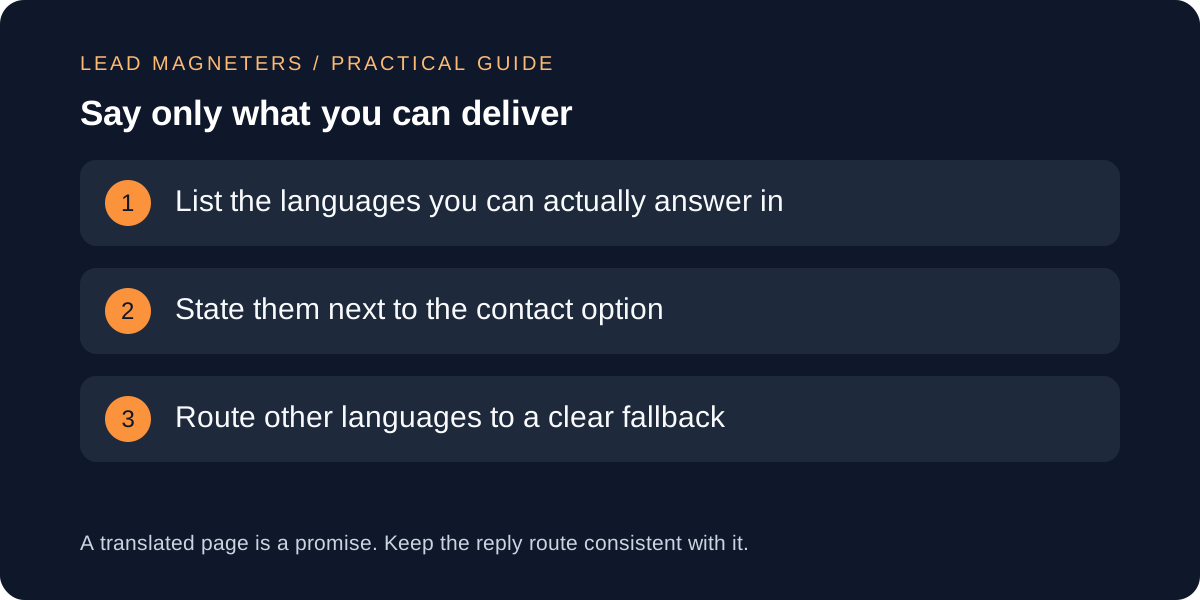
Then add the business side: which languages your team can really handle by phone, email or messaging, and during which hours. Keep this list honest and small. If you can reply in two languages, a third language page should say so plainly rather than imply support. Fictional example: a small Istanbul dental-tourism consultancy has English and Arabic service pages but can only reply to enquiries in English and Turkish. Its list shows an immediate gap, because the Arabic page invites an Arabic conversation the team cannot hold. This example is invented and is not a client case.
Walk every contact path from every language page
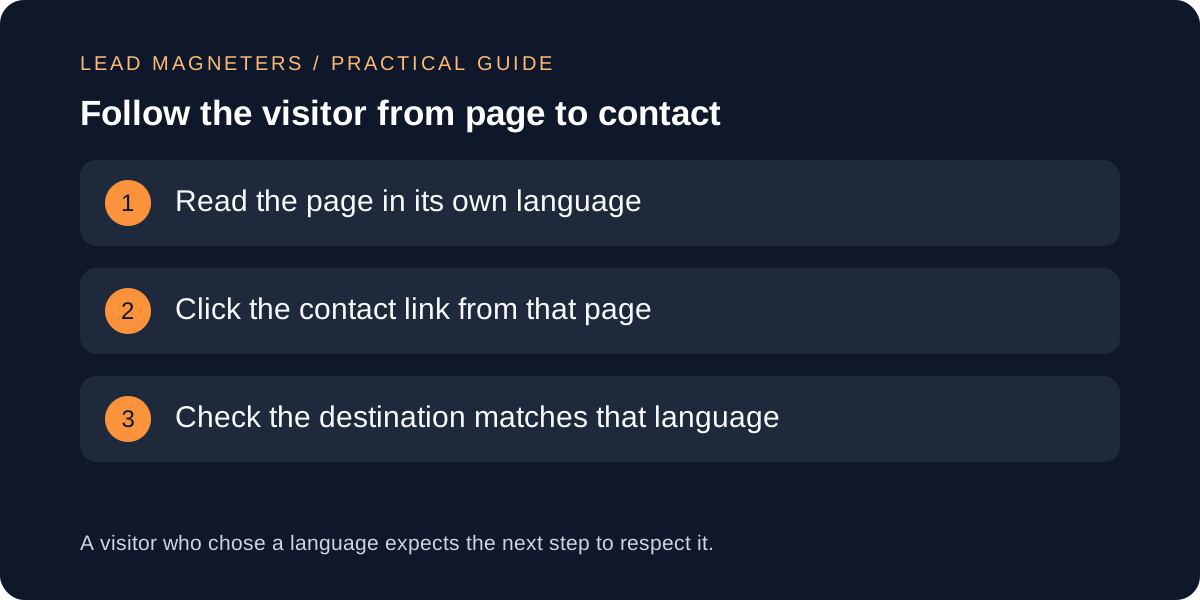
For each language version, start on a service page and click each route to contact: header button, in-page call to action, footer link, mobile menu and any floating button. Record the destination URL and the language of the page you land on. Do this on a phone as well, because mobile navigation is often built separately and may point somewhere different.
Mark each result as matching, partly matching or mismatched. Partly matching is common: the form labels are translated but the privacy text and confirmation message are not, or the page is in the right language but the form's fields assume a name or address format that does not fit. Note these as separate lines, because they have different owners and different fixes.
Let visitors choose, and do not force a language
Google recommends separate URLs for each language version and advises against automatically redirecting users to another language version based on a guess about their language, because redirects can stop both users and search engines from reaching every version. Apply the same thinking to your contact route: do not silently send a visitor to a different language form because of their location or browser setting.
Instead, give a visible way to switch language on the contact page itself, and keep the visitor's chosen language when they move from a service page to the form. If a translated contact page does not exist, link to the default one and say so in the visitor's language beforehand. A short sentence about which languages you reply in is more useful than a redirect.
Audit internal links across your service pages →
Mark up language so browsers and assistive tools can follow
W3C advises declaring the default language of each page with the lang attribute on the html element, and adding a lang attribute to any passage in another language. WCAG success criterion 3.1.2 explains why: assistive technology can then use the right pronunciation and display rules for each passage. On a contact page this matters for mixed content, such as an English address block on an otherwise translated page or a language-name list in a switcher.
For a switcher, W3C's guidance shows each language name written in its own language, with the lang attribute set on that name. Also keep Google's note in mind: it determines the language of a page from visible content and does not use lang attributes or hreflang to detect it, so the markup supports accessibility and consistency but does not replace translating the page properly.
Check the whole enquiry, including the reply
Test the journey with synthetic data in a local or staging copy, or with a form that is clearly marked as a test, and do not send real enquiries as a test. For each language, check the field labels, error messages, consent text, confirmation message and the automatic acknowledgement email if you send one. Remember that an on-screen confirmation shows only that the form accepted the data, not that anyone has read it.
Then check the reply route. Decide who answers, within what working window, and what the visitor sees if their language is not covered. A visitor who writes in a language you cannot answer should get a polite fallback in a language they can reasonably follow, not silence. Record the owner of each language route in the same list you started with.
Fix, record and recheck on a schedule
Fix in order of visitor impact: first contact links that land on the wrong language, then promises you cannot keep, then missing lang attributes and untranslated form text. If a language route cannot be supported, it is usually better to say so clearly than to leave an unmonitored form online.
Keep a dated record of the paths you tested and the changes you made, and repeat the review when you add a language, change the form or redesign the navigation. If you serve languages through separate URLs, also confirm that the language versions reference each other correctly, as Google's localized-versions guidance describes, so the version a searcher sees matches the contact path that follows.