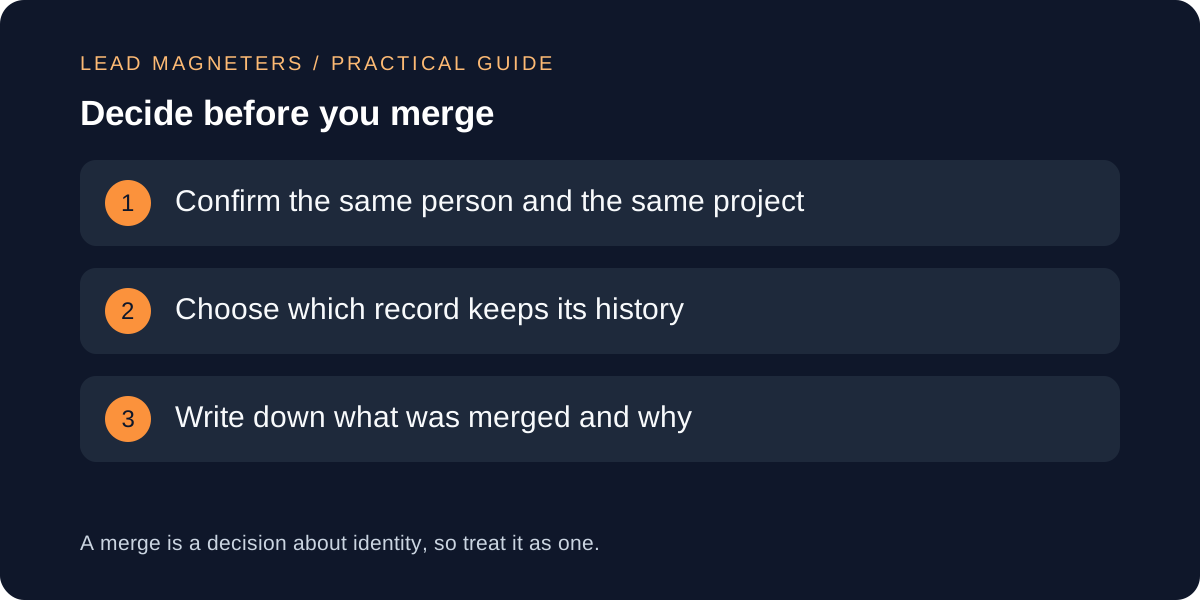
A duplicate enquiry record should be reviewed before it is merged, because the same email address can belong to a repeat contact about a new project, and two similar names can belong to different people. A short review confirms the person, confirms the project, chooses the record that keeps the history and leaves a note of what changed. This guide helps small service businesses in Istanbul and teams serving international customers keep enquiry counts honest and conversations in one place. It includes a fictional example and a record template. It does not recommend any particular CRM product, and the examples are illustrative, not client results.
Know why duplicates appear
Duplicates usually come from ordinary behaviour. A visitor submits the website form, then emails the team directly. A colleague adds a contact from a business card. A customer uses a work email in March and a personal one in June. Forms on different pages may create separate records when a field differs by a space or a capital letter. None of this is carelessness, so a duplicate is better treated as a data question than as a team failing.
Write down the routes by which records enter your CRM: website form, phone, email, messaging apps, events and manual entry. For each route, note which fields are required and whether the CRM checks for an existing match. That list explains most duplicates and shows where a small change, such as a clear required field, will prevent the next one.
Separate the person, the enquiry and the project
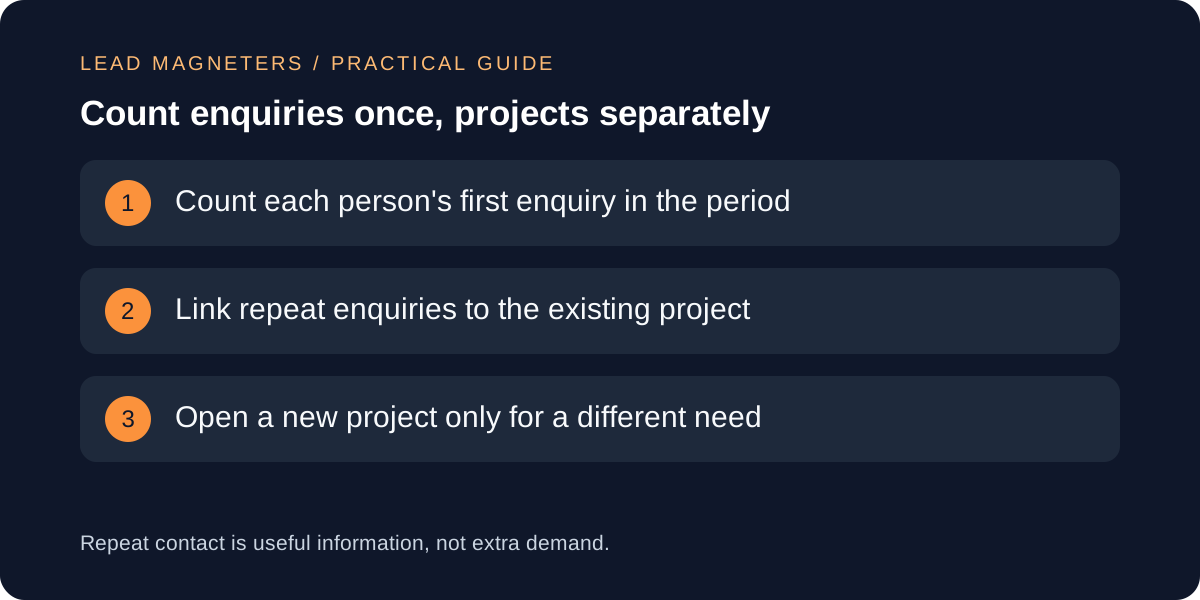
Three different things can look like one duplicate. A person is an individual contact. An enquiry is a single request that arrived through a route. A project is a piece of work the business may carry out. One person can send several enquiries about one project, and one person can ask about two unrelated projects. Merging the person records may be correct while keeping the projects separate.
Before merging, ask what the repeat contact is. If it is the same request sent twice, it adds no new demand and should link to the existing record. If it is a follow-up on an open project, it belongs in that project's history. If it is a different need, it is a new project attached to the same person. Keeping this distinction protects both your counts and your conversation.
Check the evidence of identity
Some CRMs suggest likely duplicates automatically. HubSpot's documentation, for example, lists the default properties it compares for contacts, including name, email address, phone number and company name, and it says suggestions are refreshed daily. Treat any suggestion as a prompt to review, not a verdict. Matching on a few fields can pair two people who share a company or a family phone number.
Look for at least two independent signals before agreeing a match, such as the same email address and the same phone number, or the same email domain and a conversation that clearly continues. A shared company name alone is weak, and a common name alone is weaker. When the evidence is thin, leave the records separate and add a note rather than guess.
Route enquiries to one clear owner →
Choose the record to keep, and know a merge may be permanent
When two records are the same, one has to survive. Reasonable rules include keeping the record with the most complete history, the earliest creation date, or the most recent genuine engagement. HubSpot's bulk merge options, for example, include criteria such as created first or most recent engagement. Pick one rule, apply it consistently and write it down so colleagues make the same choice.
Check whether your CRM can reverse a merge. HubSpot states that merged records cannot be reverted, although rejected suggestions can be undone for a limited time. If your system works the same way, a wrong merge may mean rebuilding history by hand. Export or screenshot the two records before merging when the data matters, and never run a bulk merge until you have reviewed a sample of the matches.
A fictional example
Imagine a fictional Istanbul interior-design studio. A visitor, Dana, submits the website form on a Monday about a flat renovation. On Thursday she emails the studio from a different address to ask for a call. A week later a colleague adds a contact with her phone number from a showroom visit. The CRM now shows three records and the monthly report counts three enquiries.
The review finds the same phone number on two records and a quoted message in the email that matches the form text. That is two independent signals, so the records are the same person and the same project. The team keeps the form record because it holds the original message, merges the email address and phone number into it, and writes a note with the date and reason. The month's count is one person, one project. These details are illustrative only.
Keep a small record and report counts carefully
A duplicate review record needs only a few fields: date, the records involved, the signals that confirmed the match, the record kept, who decided and what was changed. Review a handful of records each week instead of a large clean-up once a year, because the effort stays small and mistakes show up sooner.
Be careful when you report enquiry numbers. Counting every submission, counting each person once, and counting qualified projects give different totals, so label which one a report uses. Google Analytics describes its generate_lead recommended event as logging when a user submits a form or a request for information, so decide how repeat submissions are handled before comparing analytics with CRM counts. Differences between the two are expected and should be explained, not hidden.