Most service websites have more pages than time to maintain them. Updating every older article on a fixed schedule spreads effort thinly, while ignoring old pages lets incorrect prices, retired services and outdated instructions stay public. A better approach is to decide which page deserves attention, and what kind of attention, from evidence you can point to. This checklist helps small service businesses in Istanbul and teams serving international buyers compare candidate pages, separate accuracy problems from search observations and keep a short record of what changed. It includes a fictional worked example and a change record you can copy. Nothing here guarantees a ranking change; the aim is a page that is more accurate and more useful for the people who already find it.
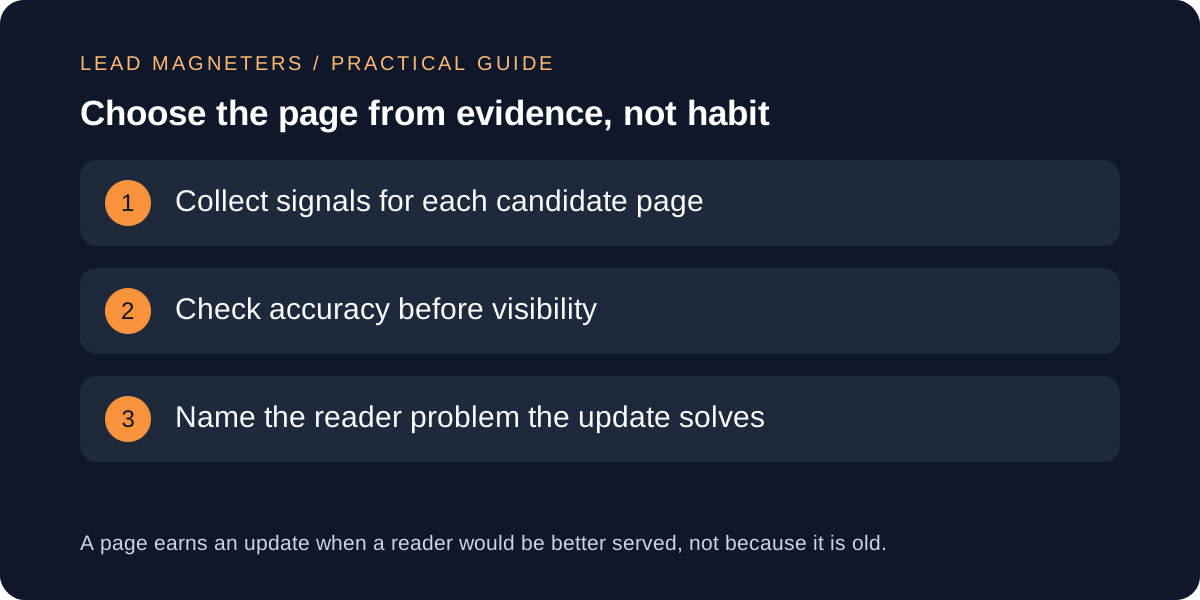
Start with a short list of candidate pages
Begin with pages that matter to the business: service pages, guides that answer pre-enquiry questions and articles that other pages link to. List each candidate with its URL, the service or question it supports and the person who can confirm its facts. A page about a service you no longer offer is a different problem from a page with weak search visibility, so note the reason it is on the list. Keep the list short enough to review properly, often three to five pages for a small team.
Avoid choosing pages only by publication date. Google's guidance on people-first content asks whether a site changes the dates of pages to make them seem fresh when the content has not substantially changed, and it treats adding or removing large amounts of content mainly for rankings as a warning sign. Age can prompt a review, but the review should find a reader problem before any change is made.
Check accuracy before you look at search data
Read each candidate page as a buyer would. Check service names, scope descriptions, contact routes, prices if any are shown, screenshots of tools and instructions that depend on third-party interfaces. Ask the responsible person to confirm anything you cannot verify yourself. An outdated fact is a reason to update the page even when its search observations look stable, because the visitors who arrive are relying on it.
Record the accuracy findings separately from the visibility findings. A page can be accurate but hard to find, or easy to find but wrong. Mixing the two in one score hides the most urgent fix. Where a fact cannot be confirmed, remove or qualify it rather than replace it with a new guess.
Read Search Console observations with their limits
In the Search Console Performance report, open the Pages tab, filter to the candidate URL and look at clicks, impressions, click-through rate and average position over comparable periods. Then switch to the Queries tab for that page. The queries show which questions the page already appears for, and whether those questions match what the page actually answers. A page that appears for a question it barely covers may benefit from a clearer section; a page that appears for unrelated searches may need a clearer focus instead.
Keep the limits in view. Average position in the table is calculated for the row you are viewing, recent data can be preliminary, and small numbers of impressions move easily. Seasonal demand, competing pages and changes in how results are displayed can all affect the figures. Treat a fall in clicks as a reason to investigate, not as proof that the content caused it, and write down when a sample is too small to support a decision.
Check internal links to the page →
A fictional example: two pages, one decision
Consider a fictional Istanbul accounting practice with two candidate pages. Page A, a company-registration guide, still lists a document checklist that the practice changed six months ago; its search observations are steady. Page B, a payroll service page, has fewer impressions than last quarter, and its queries include several questions about payroll for remote employees that the page never mentions. The team has time for one substantial update this month.
The checklist puts Page A first because visitors are relying on an outdated instruction; the fix is narrow and verifiable. Page B goes on the next review with a specific question to research: whether the practice actually provides the remote-employee service people are asking about. If it does, a new section may help; if it does not, the page should say so plainly rather than attract enquiries it cannot serve. These pages and figures are illustrative, not client results.
Decide the type of update
Not every refresh is a rewrite. A correction replaces a wrong fact. An expansion adds a section that answers a question the page already attracts. A consolidation merges two thin pages that compete for the same question, with a redirect from the retired URL. A retirement removes a page that no longer serves anyone and points visitors to the closest useful alternative. Name the type before editing so the scope stays proportionate.
Keep the original URL wherever the topic is the same, so existing links and bookmarks continue to work. Check that internal links still point to the right sections after the change, and that structured data, headings and the visible text still describe the same thing.
Keep a change record and update dates honestly
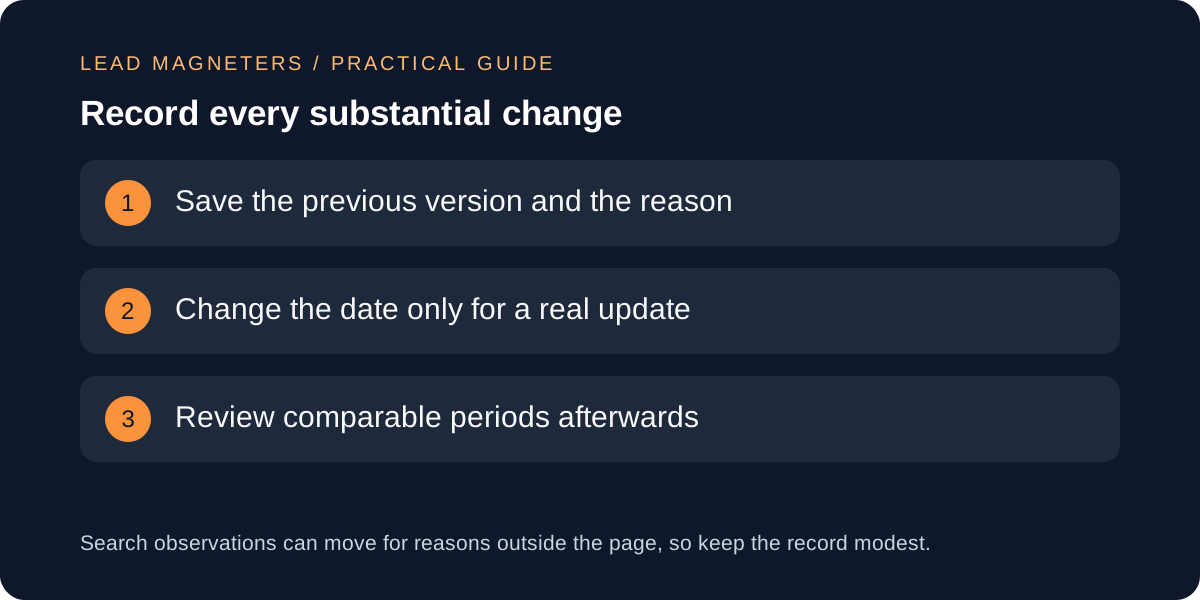
For each page, save the previous version or a summary of it, the reason for the update, the type of change, the date and who confirmed the facts. Google's guidance on byline dates allows a visible last-updated date and a dateModified value in structured data, and asks that visible and structured dates stay consistent. Its sitemap guidance says lastmod should reflect the last significant update, such as a change to the main content, structured data or links, and not something like a copyright year. Change these dates only when the content has substantially changed.
Review the page again after a comparable period, using the same report view you used before. Note what changed, what did not and what else happened in the same period. A simple record lets the next decision start from evidence instead of memory, and it protects the team from repeating updates that made no useful difference.