Google Ads sitelink destinations deserve a plan before a team starts filling asset fields. A visitor may want to understand the service, compare a relevant option or find out how to contact the business. Sending every additional link to an almost identical page wastes that opportunity. This guide explains a practical editorial review for service businesses in Istanbul, across Turkey and in international markets. It focuses on choosing useful destinations and setting accurate expectations. It does not prescribe account settings for every campaign or promise that an asset will appear. The aim is a small, maintainable set of links that helps the right person continue their enquiry.
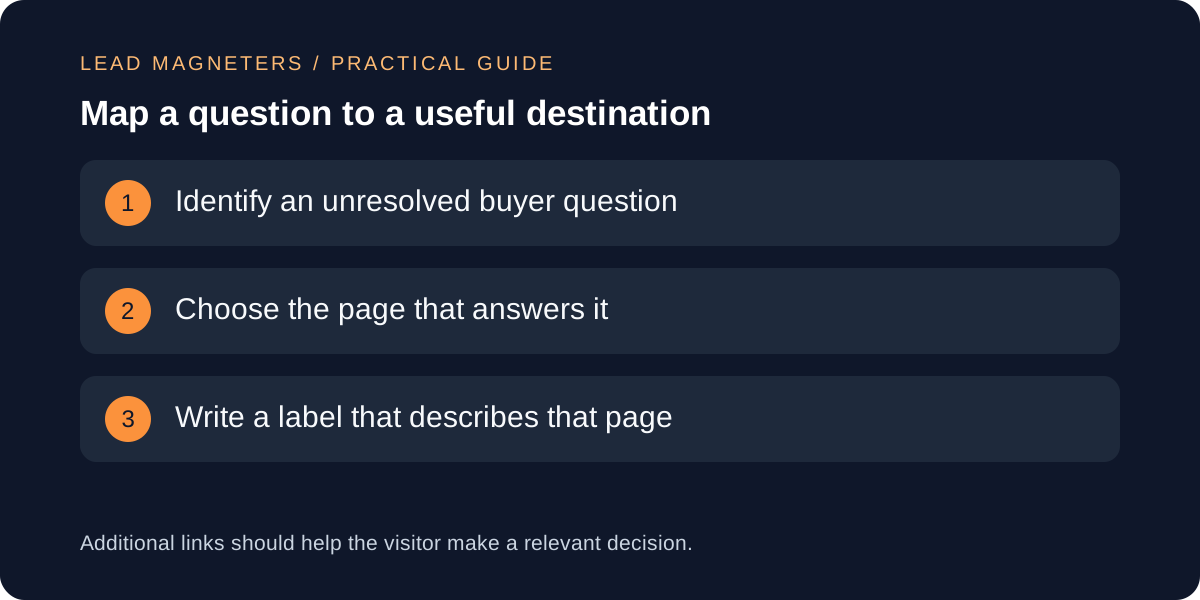
Start with the decision behind each additional link
Write down what a potential customer still needs to understand after reading the main advertisement. For a hypothetical website service, these questions might concern project scope, the development process or how to prepare for a consultation. Separate questions that require their own destination from details the main landing page already explains clearly. The exercise should produce a short decision map, not a list of every page in the navigation. If two proposed links answer the same question, explain why both are needed before asking a copywriter to invent different labels.
Speak to the person who answers enquiries. They may know that buyers regularly confuse a consultation with a complete audit, or expect ongoing support when the advertised service covers a defined project. A useful destination can clarify that boundary before the conversation begins. Record the question in plain language beside the proposed URL. Do not select a page only because it has spare space in its title or because a competitor advertises something similar. The destination needs to support your actual service and the campaign's intended audience.
Understand what the asset can and cannot control
Google describes sitelinks as additional links that take people to specific pages on a website. Its documentation explains that their appearance depends on factors such as relevance and the context of the ad. Treat your asset list as eligible material, not a guaranteed layout. An approval document should therefore make sense even if the main ad appears without every proposed additional link. Keep essential qualifications about the service in the advertisement and its main destination rather than relying on an optional link to correct a misleading promise.
Separate editorial approval from account implementation. The content reviewer checks whether each label and destination is accurate; the campaign manager checks the appropriate account association and current platform requirements. Save both decisions in the same register. If an asset is associated broadly, review whether its destination is relevant to all the campaigns that may use it. A specialist service page may be helpful in one campaign and confusing in another. This is a reason to inspect scope carefully, not a reason to duplicate assets indiscriminately throughout the account.
Match the label to the page visitors will actually see
Use wording that describes the destination's purpose without adding unsupported claims. A label such as Project Process should lead to a meaningful explanation of the process, rather than a generic contact page. A label suggesting pricing should lead to relevant pricing information or a clearly explained quotation approach. If the business does not publish fixed prices, do not imply that a complete price list is one click away. The same principle applies to words such as portfolio, consultation and support: each creates an expectation that the page must satisfy.
Draft the label while viewing the final page, not from an old spreadsheet summary. Read the heading, opening paragraph and primary action together. For an international campaign, check the language of the page and the language available after the enquiry. An English label leading directly to an unexplained Turkish form creates unnecessary uncertainty for an overseas buyer. A translated label alone cannot solve that journey. When a suitable destination does not exist, record a content gap and decide whether the page is worth creating before approving the asset.
Align the landing page with the offer →
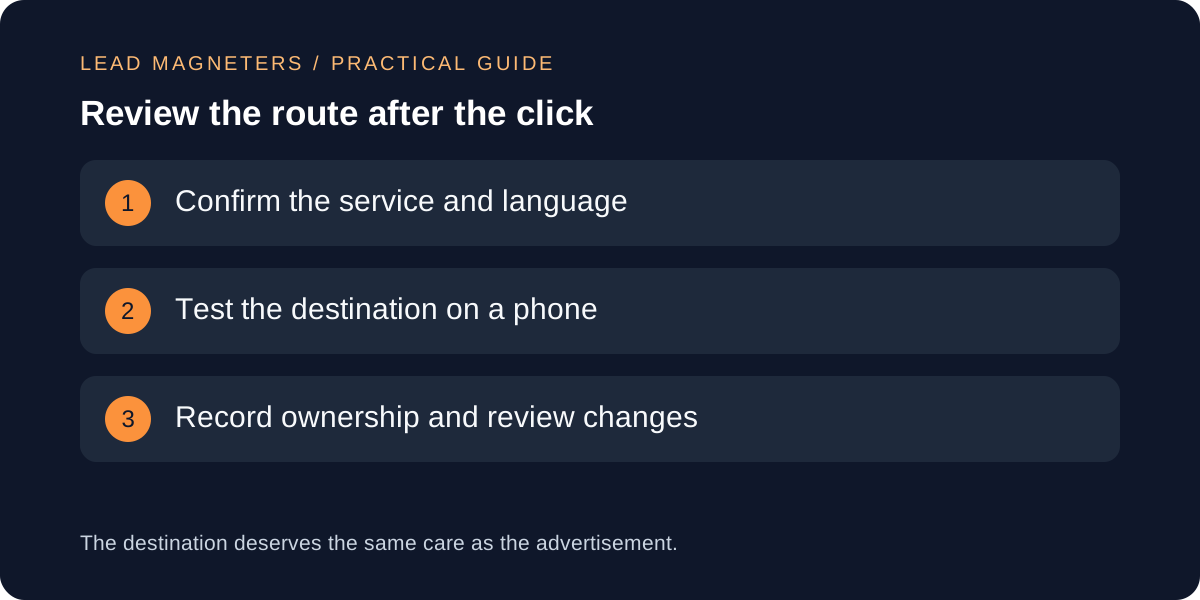
Test the destination beyond its first screen
Open each proposed URL on a phone and follow the relevant action. Check whether the visitor can understand the service without dismissing several overlays, enlarging tiny text or searching through unrelated material. Confirm that important details remain visible when an image fails to load. If the destination contains a form, check its labels, success feedback and the route by which the business receives the enquiry. A page can return a successful HTTP response while still offering a confusing or incomplete customer journey.
Inspect redirects and tracking with the developer or campaign owner. Keep the approved destination stable and avoid unnecessary chains that make troubleshooting harder. Any campaign parameters should follow the team's established naming plan and should not contain personal information. Do not replace the destination with an unfamiliar tracking service merely to make reporting look more elaborate. Record the final page reached, the date tested and any issue requiring correction. These checks are especially useful after a redesign, when an old asset may still point to a retired service description.
Keep a small register that survives team changes
A practical register can contain the campaign context, buyer question, label, final URL, language, page owner and review date. Add a short explanation of why the destination is useful. This gives a future reviewer something more valuable than a list of inherited text strings. Keep rejected proposals with a brief reason if they are likely to be suggested again. For example, a page might be accurate but unsuitable for a campaign because it describes a different service scope or requires information the audience is unlikely to have.
Use changes in the business as review triggers. A discontinued service, altered consultation process or new website structure should prompt an asset check. Assign someone to connect those changes with the advertising account instead of assuming the page editor will remember every active campaign. Schedule proportionate reviews, with more attention to destinations that change frequently. A small company does not need a complex asset-management platform for this work. A well-maintained document and clear ownership can be sufficient when the number of campaigns and services remains manageable.
Evaluate usefulness with the wider enquiry journey
Review available asset reporting alongside the quality of the enquiries and the purpose of the destination. A popular informational link may help visitors understand the service without producing an immediate form submission. Conversely, a frequently clicked label may be ambiguous and attract people expecting something the business does not offer. Ask the sales team what visitors understood when they arrived. Treat isolated numbers cautiously when activity is limited or when several campaign elements changed together. Asset evaluation should support a clear business question rather than reward clicks without context.
When improving a set of sitelinks, document one specific hypothesis, such as replacing an unclear destination with a page that explains the consultation process. Record the old and new material and review the result after a suitable observation period for that account. Avoid describing every movement as proof of causation. For a focused marketing consultation, bring the campaign objective, current asset list and destination pages. Those materials make it possible to discuss whether the additional routes genuinely help a buyer understand your service and take an appropriate next step.