A website image handoff checklist helps marketing and development teams agree on what each visual should do before large files reach the production site. The common problem is not simply that an image is too big. A photo may have no clear purpose, a diagram may be unreadable on a phone, or an approved desktop crop may hide the important subject on a smaller screen. This guide offers a practical workflow for service websites that need clear, useful visuals while keeping pages light. It covers asset selection, context, delivery instructions and acceptance checks. The workflow can be used with existing design tools and a simple shared inventory rather than a new asset-management platform.
Assign a purpose before choosing the asset
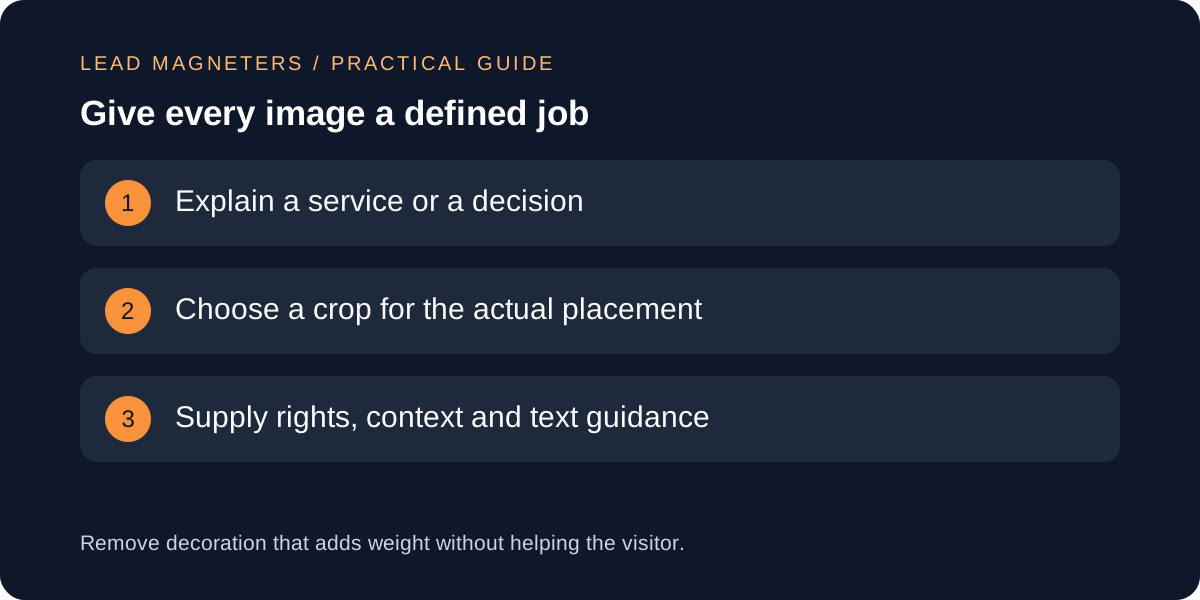
For every planned image, write one sentence describing what a visitor should understand from it. A service process diagram might explain the steps before launch. A genuine team photo might identify the people a customer will meet. A screenshot might demonstrate a particular interface state. If the purpose is only to fill an empty area, reconsider whether the space needs an image at all. Removing an unnecessary asset also removes the work of licensing, cropping, describing and maintaining it.
Match the visual to the decision being made on the page. A detailed interface screenshot can help explain a feature but may distract from a simple enquiry action. A decorative background can compete with the heading if its contrast changes across crops. Review images in the context of the actual page rather than approving them from a folder preview. Label mockups and illustrative examples clearly, and do not present a generated scene as a real office, customer or completed project. The handoff should preserve that distinction all the way to publication.
Keep a small rights and context inventory
Create an inventory with the original filename, intended page, placement, asset owner, rights basis and any usage restrictions. For a commissioned photograph or purchased asset, keep the applicable documentation where the team can retrieve it. Do not assume that an image found in an old presentation is cleared for public website use. If rights or consent are uncertain, resolve the issue before scheduling publication. The inventory should make it easy to replace an asset without losing the reason it was selected.
Add a short description of the visual's meaning and note whether essential information also appears as page text. This helps the editor prepare an appropriate text alternative and avoids putting the only explanation of a service inside an image. Remove irrelevant private information from screenshots and confirm that the remaining content is suitable for public display. Give each approved asset a stable, descriptive name. Keep the high-quality original separate from web exports so that future crops can be made without repeatedly editing an already compressed copy.
Specify placements and crops instead of one giant file
List where the image appears: a full-width hero, an article illustration, a small card or a narrow mobile section. Ask the developer for the expected display sizes and aspect ratios before exporting. One large photograph should not automatically serve every placement. Prepare a crop that keeps the subject and important detail visible at the intended shape. For diagrams, reduce unnecessary labels and test the smallest expected display. A technically sharp image can still be unusable when its text becomes too small to read.
Responsive image delivery lets the browser choose among suitable image resources. The web.dev guidance explains how markup such as srcset and sizes helps provide that information; the page layout must still be defined correctly. Your handoff should identify the placement and approved crops so the developer can implement delivery deliberately. Avoid prescribing dozens of export widths without reference to the site's components. A small set of useful variants is easier to maintain. Keep text that needs translation in HTML where practical instead of embedding a separate language version into every image.
Keep image choices within a performance budget →
Choose exports by visual content and practical testing
Treat file format and compression as implementation decisions to test against the actual asset. A photograph, a flat logo and a line diagram have different visual needs. Ask for an export that preserves the information the visitor needs at the intended display size. Compare the result with the original at normal viewing scale, then inspect areas where compression can damage readability. Check text edges, gradients, faces and transparent boundaries as relevant. Do not select a quality setting solely because another website used the same number.
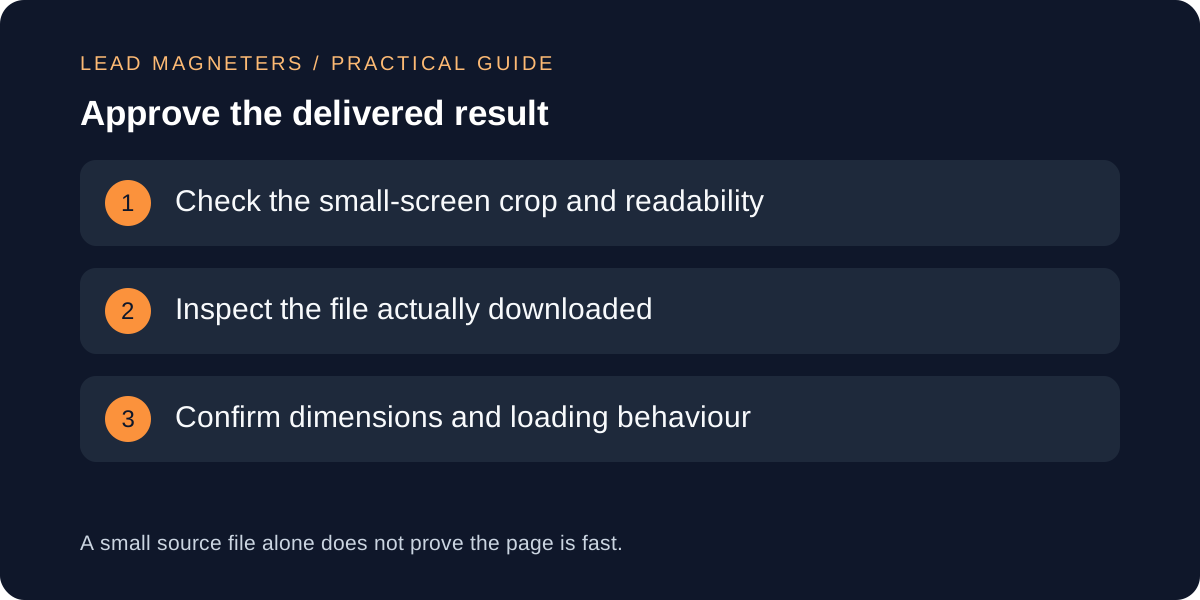
Record the delivered dimensions and file size for each approved variant, but avoid declaring a universal byte limit for all images. A useful technical diagram may justify more data than a decorative thumbnail. The decision belongs within the page's overall budget and purpose. If an asset is consistently too heavy, simplify the visual or reconsider its role before increasing the budget. Keep exports local to the project or within the site's established delivery system where appropriate, so the handoff does not quietly introduce an unnecessary third-party dependency.
Check layout and loading in the finished page
Review the implemented page on narrow and wide screens. Confirm that the image occupies the intended space before it finishes loading, that the crop preserves the important subject and that nearby text remains readable. Ask the developer to distinguish images needed immediately from those farther down the page. A blanket loading rule for every asset can be inappropriate. The first meaningful visual and a lower-page illustration have different roles in the visitor's initial experience. Review the actual rendered component rather than only the exported file.
Use browser inspection to identify the resource downloaded for a representative small screen and a larger screen. Compare that resource with the intended placement. If a tiny card downloads the largest original, investigate the delivery configuration. Test with a fresh load as well as a cached visit, because repeat visits can hide excessive transfer. Look for layout movement, broken assets and awkward cropping while navigating the enquiry journey. Save a concise acceptance note with the page URL and device conditions so that later template changes can be checked against the same expectations.
Make the handoff reusable for the next article
Package the approved files with the inventory and a short implementation note. Identify which variant belongs to which placement, what the visual explains, the proposed text alternative and any caption or attribution required. Include unresolved questions explicitly. A developer should not have to guess whether a crop is final or whether an image is merely an example. After launch, confirm the public URLs and keep the approved source material available for future edits. Retire superseded exports deliberately instead of leaving several almost identical candidates in the handoff folder.
For an ongoing service blog, reuse the workflow rather than repeating the same visual on every topic. Each new diagram should clarify the article's particular decision or process. Periodically inspect older pages when shared image components change, since a template update can affect many assets at once. Bring a few representative pages and their original files to a development review if performance or readability remains uncertain. The useful deliverable is a small, understandable asset package that supports the content, respects rights and can be verified on the live site.