A permission register is a simple list that records who agreed to the public use of each testimonial, photo or logo, for which uses and until when. A service business needs one because proof assets travel: a quote written for a proposal ends up on a service page, a social post and a Google Business Profile, and nobody remembers what the client actually agreed to. This guide is for small service teams in Istanbul and for businesses serving international buyers. It explains what to record, how to keep it current and when to remove an asset, with a fictional worked example and a register you can copy. It is practical record keeping, not legal advice; check your own obligations, including privacy and advertising rules in your markets, with a qualified adviser. Nothing here promises a ranking, a citation or more enquiries.
Decide what counts as a proof asset
List every item on your website, profiles and sales material that depends on another person's agreement: written testimonials, star ratings you display, client names and logos, photos of people or premises, screenshots of client accounts, video clips and results figures. Include assets that look harmless, such as a client's first name beside a quote. If a stranger could recognise the person or the business from it, treat it as a proof asset.
Add the places where each asset appears. A single quote may sit on a service page, in a proposal template and in a pinned social post. When you later need to change or remove it, that location list is what saves you from an incomplete clean-up.
Record who agreed, and to exactly what
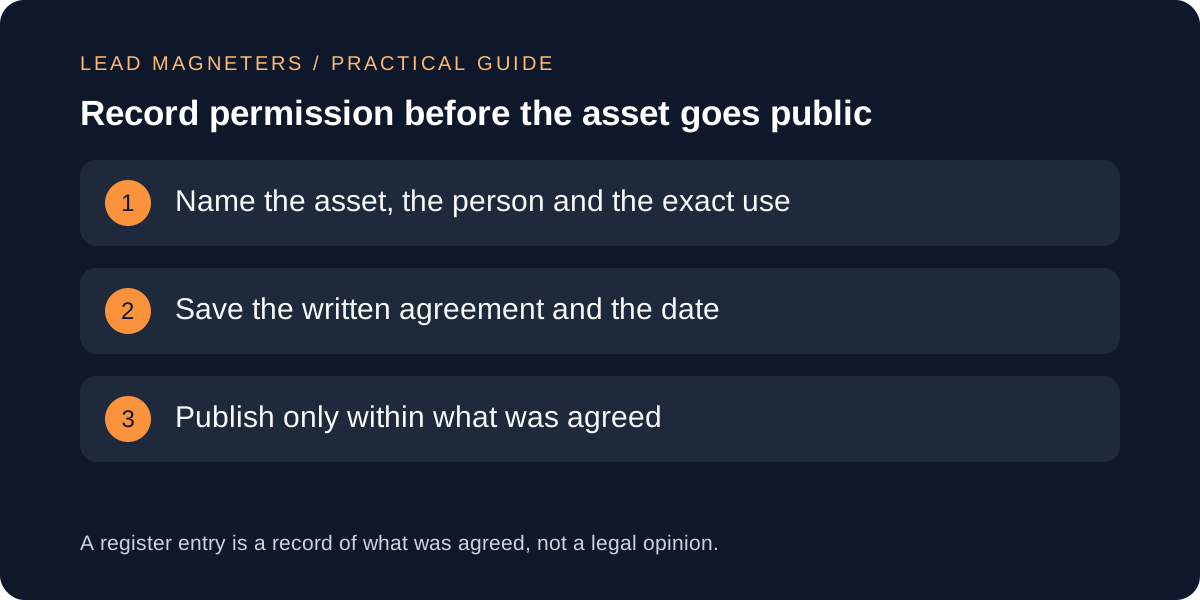
Each entry should name the asset, the person or business it concerns, who gave permission and their role, the date, and how it was given. Written permission, such as an email reply to a clear request, is easier to rely on than a remembered conversation. Keep the request itself, because it shows what the person actually saw: the exact wording, the planned places and whether edits were possible.
Be specific about scope. Permission to quote a client on your website is not automatically permission to use the same words in a paid advertisement or to show their logo on a sales deck. Write down the approved uses separately, and treat anything outside them as a new request.
Keep the words and results honest
The FTC's endorsement guidance says endorsements must reflect the honest experience and opinion of the person giving them, and that an ad should not present exceptional results as if they were typical. Its guidance also says that if a page implies a person still uses a service, the advertiser needs good reason to believe that remains true, and that old endorsements should be replaced when the service has changed. These are US rules; if you advertise elsewhere, confirm the local requirements.
In practice, store the original wording next to the published wording and note any edits the person approved. Do not paraphrase a result into something stronger than the client said. If a quote mentions an outcome, record what supports it, or leave the figure out.
Write answers buyers can trust →
Note incentives and relationships
The FTC guidance says that connections which could affect how much weight readers give an endorsement, such as payment, free services or a family or employment relationship, may need to be disclosed. It also notes that incentives should not be tied to positive reviews. Add an entry field for any benefit the person received and any relationship with your business.
If you asked clients in advance whether their comments could be used in marketing, record that too. A short, neutral request is better than a pressured one, and the register should show that the person was free to decline.
Treat photos and third-party platforms separately
Photos need extra care because they show people and places. Record who took the photo, who appears in it, whether each identifiable person agreed to its public use and where it will appear. Google's Business Profile guidance says photos should show reality without heavy alteration, and that customers can add their own photos, which may appear on your profile. You can request removal of customer-added photos, so note any you have asked to be reviewed.
Separate the assets you control from those a platform displays. Your register can list the photos you uploaded and the permission behind them, plus a short note of customer-added items you monitor. Uploads you make yourself are the ones where your records matter most.
Review the register and handle withdrawals
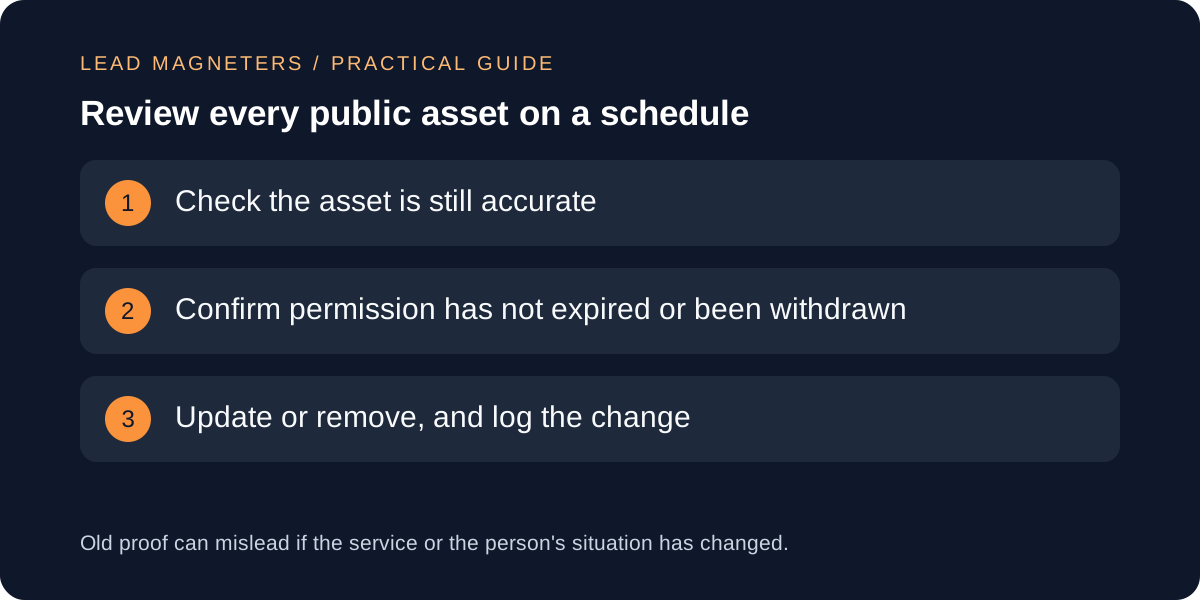
Set a review date for every entry, for example once or twice a year, and when your service, pricing or team changes. At each review, check that the asset is still accurate, that permission has not expired and that the person has not asked to change it. A fictional example: Harbor Tile Studio, an invented Istanbul renovation firm, logs a client quote with permission for its website and one social post, valid for two years. When it changes its service model, the review flags that the quote described the old service, so the studio asks the client to confirm or retires the quote.
If someone asks you to remove an asset, act on it promptly, remove it from every listed location and record the date. Keep the register entry, marked as withdrawn, so the same asset is not reused from an old file. Copy this register: asset, location, person and role, scope approved, date and method, incentive or relationship, review date, status.