A canonical URL is the address you want search engines to treat as the main version of a page when several addresses show the same or very similar content. Service websites create duplicates easily: the same page can load with and without a trailing slash, over HTTP and HTTPS, with tracking parameters or in a print version. Google's documentation says you can indicate a preferred URL with redirects, a rel="canonical" link and sitemap inclusion, and that if you do nothing Google chooses a canonical itself. This review helps small service businesses in Istanbul and teams serving international buyers find duplicates, choose one preferred address for each important page and keep a short record. It includes a fictional example. Nothing here guarantees a ranking or indexing outcome; the aim is a clear, consistent signal.
Why duplicate URLs happen on service sites
Duplicates are rarely deliberate. A content management system may publish a page at several paths, a campaign link may add tracking parameters, a staging or old domain may still respond, and a page may exist in both a language folder and a default folder. Google's URL structure guidance notes that irrelevant parameters such as referrals, sorting or session IDs can create many addresses for the same content, and that URLs are case sensitive, so a mixed-case variant can be a separate address.
Google lists several reasons to specify a preferred URL: controlling which address appears in results, consolidating signals such as links, simplifying tracking and avoiding crawl time on duplicates. None of this is a penalty system. It is housekeeping that helps visitors and crawlers land on the version you would choose.
List the variants of your most important pages
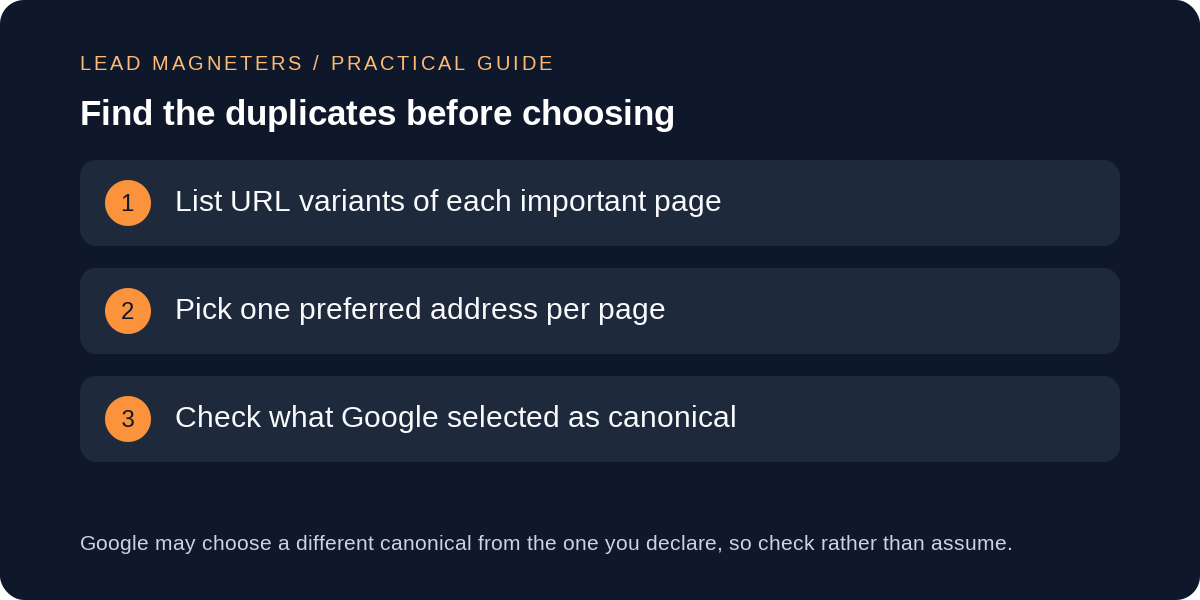
Start with five or fewer pages that matter most, such as the main service pages and the contact page. For each, open the likely variants in a browser: HTTP and HTTPS, with and without www, with and without a trailing slash, upper and lower case, a parameter added by a campaign link and any language-folder copy. Note which load the page, which redirect and which show an error.
Record the final address each variant reaches and its status code. A variant that redirects permanently to the preferred page is working as intended. A variant that loads the same content at its own address is a duplicate that needs a decision. Keep the table short and factual so the person who edits the site can act on it.
Choose one preferred address and the right method
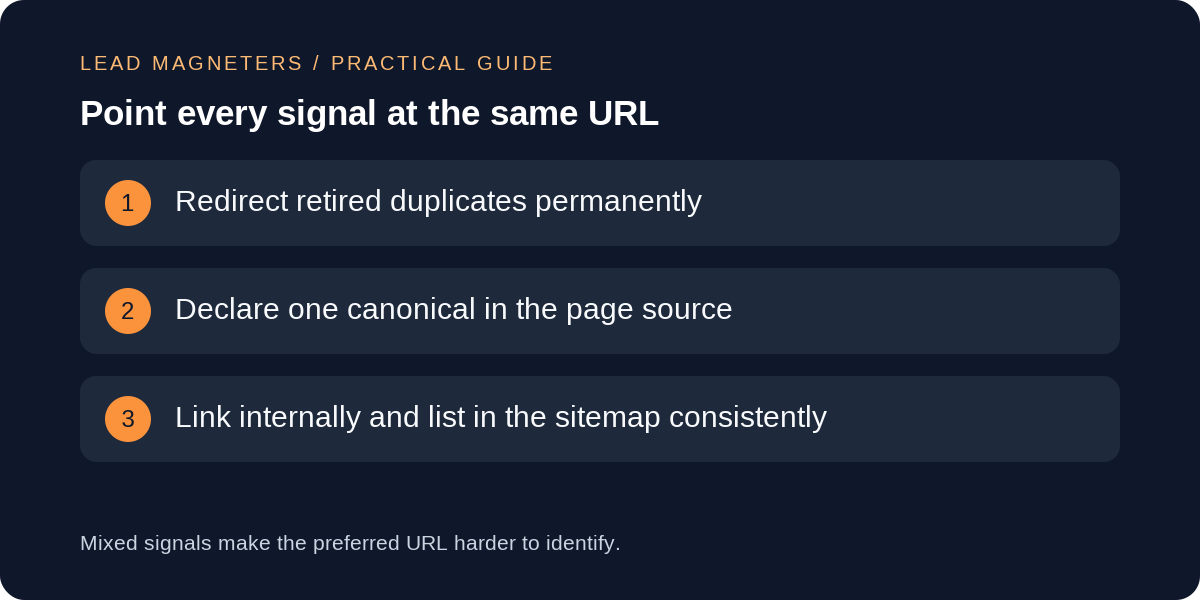
Pick the address you would want a visitor to share: usually HTTPS, one consistent host name, readable words separated by hyphens and no unnecessary parameters. Then choose the method. Google describes redirects and rel="canonical" annotations as strong signals and sitemap inclusion as a weaker one. Permanent redirects suit duplicates you want to retire, while a canonical link suits pages that must stay reachable, such as a parameter version used in a campaign.
Use one method per page where possible, and never give different targets through different methods. Google recommends absolute URLs in canonical links and a self-referencing canonical on the preferred page. For non-HTML files such as PDFs, the canonical can be sent as an HTTP header. Canonicals that carry hreflang, lang, media or type attributes are ignored, so keep the annotation plain.
Plan redirects when pages move →
Avoid methods that cause new problems
Google's guidance warns against several shortcuts. Do not use robots.txt for canonicalization, because a blocked URL can still be indexed without its content and Google cannot see the canonical on it. Do not use noindex to choose a canonical within one site, since it removes the page from results entirely. Do not use a URL fragment as the canonical, and do not use the URL removal tool for this purpose.
Check the page source rather than the editor screen. If a plugin or theme writes the canonical, confirm that it outputs the expected address on every template, including paginated, filtered and language pages. When a script adds the canonical on the client side, Google advises keeping it in the HTML source as well. If the CMS writes a wrong value, the fix usually belongs in its settings or with its provider.
Fictional example: a three-page accountancy site
Imagine Harbor Row Accounting, a fictional firm with a tax advice page. The review table shows that the page loads at the HTTPS address, at the same path with a trailing slash and at the same path with a campaign parameter. The slash variant redirects permanently, which is fine. The parameter variant loads the page with its own address and its canonical points to itself, so the review decides that the parameter address should declare the clean address as canonical.
The team also finds that the sitemap lists the slash version and the internal navigation links to the clean version. They update the sitemap to the clean address, change navigation links where needed and note the date and owner in the record. This is an invented scenario with no real client, and it does not imply any particular result.
Check what Google chose and keep a review record
After changes, use the URL Inspection tool in Search Console to compare your declared canonical with the one Google selected. The Page indexing report includes statuses such as duplicate without a user-selected canonical, duplicate where Google chose a different canonical than you did, and alternate page with a proper canonical tag. Google's help explains that the first is informational, the second means the pages may not look similar enough, and the third needs no action. Re-evaluation can take time, so avoid repeated edits.
Keep a record with the page, variants found, preferred address, method used, date, owner and what Google reported afterwards. Review it when the site is redesigned, a language is added or the platform changes. If duplicate language versions are the issue, hreflang annotations belong to a separate review, covered in our multilingual guide.