Yes, campaign links can leak personal information, and it is easy to prevent. A UTM parameter is just text in a web address, so anything typed into it, such as a customer's email address, a first name or a phone number, travels to your analytics reports and to every place the link is pasted. Google's analytics policy states that URL paths and parameters must be free of personally identifiable information, and it names the campaign parameters specifically. This review helps small service businesses in Istanbul and teams serving international buyers check links before they are published, spot names that split one campaign into several rows and avoid conflicts with Google Ads auto-tagging. It includes a fictional example and a record you can copy. It does not replace legal advice, and tidy links do not prove that a visitor became a customer.
Why a campaign link can expose personal data
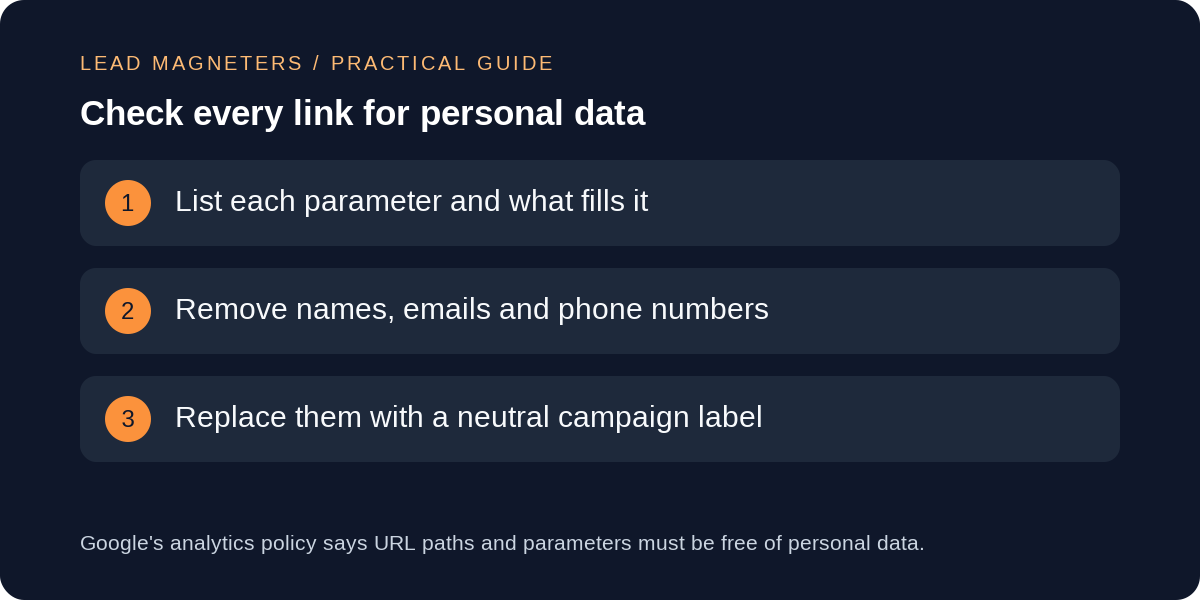
Email tools and spreadsheets make it tempting to build a personalised link for each recipient, for instance putting an address in utm_content so you can see who clicked. That value is then stored in analytics, visible in browser history and forwarded when people share the address. Google's guidance on avoiding personally identifiable information says the URL path and parameters must be free of it, lists email addresses and personal phone numbers as examples, and says the list is not exhaustive. It specifically tells advertisers not to put such data in utm_source, utm_medium, utm_term, utm_campaign or utm_content.
The same page recommends consulting an attorney if you are unsure whether a value counts as personal information. Treat that as the safe default: if a label could point to one identifiable person, use a neutral label instead. Rules about consent and notices differ by country and by the tools you use, so confirm them with a qualified adviser rather than assuming a tidy link is enough.
Inventory the links already in circulation
Start with a list of where tagged links live: email sequences, newsletter footers, social profiles, directory listings, partner pages, PDFs and messaging templates. For each one, open the final address and read every parameter aloud. Ask who filled it in, whether a person's detail could appear in it, and whether the value is the same for everyone. A label shared by all recipients, such as a newsletter name, is normally safer than one generated per person.
Also look in your analytics campaign reports for odd values. Search the source, medium, campaign and content columns for at-signs, long digit strings and personal names. If something appears, fix the template first so new clicks stop adding to the problem, then follow your analytics tool's documented options for removing or redacting the data. Google notes that its data redaction setting works on a best-effort basis for web data, so it is a safety net rather than a reason to keep risky links.
Fix names that split one campaign into many rows
Consistency is the second half of the review. Google's campaign URL guidance says parameter values are case sensitive, so utm_source=google and utm_source=Google are different values, and it recommends lowercase for consistency. Its own example treats SpringSale and Spring_Sale as distinct campaigns. When three people spell the same newsletter three ways, the report shows three rows and nobody trusts the total.
Keep a short vocabulary: one source per platform, one medium per channel and one campaign name that matches the real initiative. The same guidance says always to use utm_source, utm_medium and utm_campaign together and discourages setting only one, because missing values show as not set in reports. Optional parameters such as utm_content can distinguish two buttons in one email, but they should describe the placement, not the person.
See how to run a link register →
Check auto-tagging before adding manual tags to ads
Google Ads auto-tagging adds a click identifier called a GCLID to the address people click, and Google Ads Help says it is on by default for new accounts. The same page explains that in Google Analytics 4, auto-tagging takes priority over manual tagging because there is no override option, and that manual tagging for Google Ads traffic remains possible only if you are not using the Analytics and Google Ads integration. Adding hand-made UTM values to Google Ads links may therefore not behave as you expect.
Before changing anything, find out whether the integration and auto-tagging are in use, and read the current help pages rather than relying on memory. Also confirm that any redirect passes the click identifier to the final landing page, because Google warns that conversion tracking can fail if it is dropped. Our Google Ads guides cover destination planning in more detail.
A fictional worked example
Imagine Harbour Desk Studio, an invented design consultancy in Istanbul, sending a welcome email. The template link reads ?utm_source=Newsletter&utm_medium=email&utm_campaign=Welcome_Series&utm_content=[recipient email]. The review finds two problems: the personalised utm_content places an email address in the address bar, and the capitalised values will not match the lowercase links used elsewhere. The team replaces the content value with cta-primary, changes the source to newsletter, the medium to email and the campaign to welcome-series, and removes the merge field from the template.
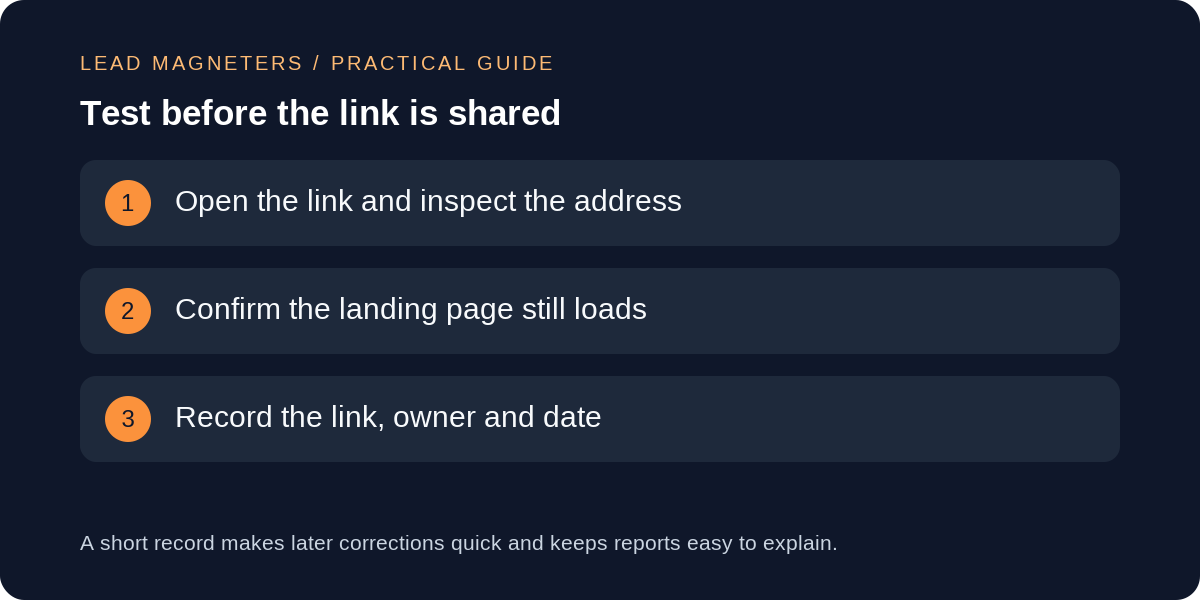
They then send the new link to themselves, open it on a phone, confirm the page loads and note the change in the review record. For old clicks they list the affected report dates and ask their adviser which cleanup steps apply. The example is invented for illustration; it shows no client or result, and clean tagging only makes the next report easier to read.
Keep a review record and know the limits
Record the link location, the full address, the parameters, who owns the template, the date tested, what was changed and who approved it. Review the register when a new tool is added, when a campaign ends and before any redesign that changes landing pages. A small, current record is more useful than a large document no one opens.
Be clear about what a UTM review does not do. It does not give legal clearance, show that visitors consented to anything or prove that a click became a qualified enquiry. If you want help turning tagged traffic into enquiry measurement, our consultation service can review your current setup and agree a practical scope with you.