A performance budget for service websites is an agreement about what a page is allowed to cost the visitor in loading and interaction work. It helps a business keep its website fast after the initial launch, when articles, images, forms and marketing tools start accumulating. A company can have eight small sites or one large site and still face the same problem: each reasonable addition adds a little more work until the mobile experience becomes slow. The answer is a repeatable publishing decision, supported by measurements. This guide explains how to set practical limits, give exceptions an owner and preserve the useful parts of the customer journey while the content library grows.
Start with representative journeys and a baseline
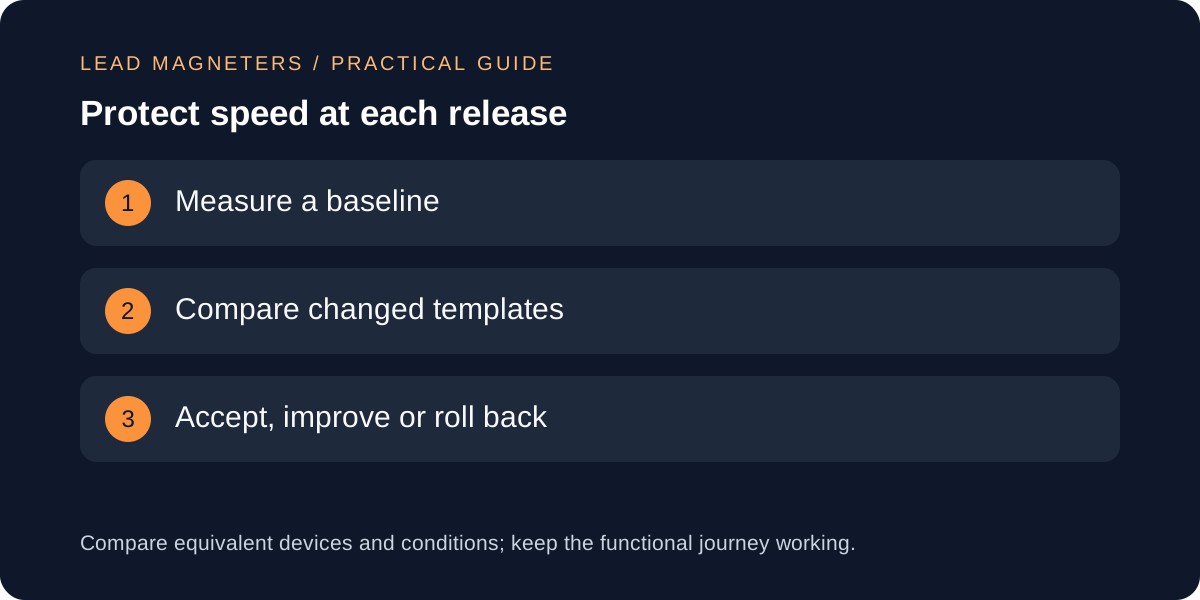
Choose a few page types that represent how customers use the site: a homepage, a service page, a category guide, an article and the contact journey. Measure those pages before changing them, using consistent device and network settings. Record the date, tested URL and conditions alongside the results. A screenshot of a high score without those details is difficult to compare with a later release and can hide differences between templates.
Look at both controlled tests and real-user measurements when available. A laboratory test helps investigate a change; field data reflects actual visitors and can take time to represent a new release. Neither replaces checking that the page communicates the offer and that the form works. For a company serving Turkey and international buyers, include the devices and locations that matter to those audiences. Use the baseline to find the most expensive or fragile journey, rather than choosing a limit because another website advertised an impressive score.
Define budgets your editors and developers can use
A useful budget names the metric, the page type, the measurement method and the action taken when the limit is exceeded. Editors can work with image dimensions and file sizes. Developers can review transferred script bytes, request counts and rendering behaviour. Product owners can decide whether an expensive feature has enough customer value to justify an exception. Without that ownership, a performance budget becomes a document that is ignored whenever a deadline approaches.
As an illustrative starting exercise, a team could set a two-hundred-kilobyte target for a typical article image, then test whether the chosen dimensions and format remain readable on the actual layout. That number is an internal working target, not a universal standard or a Google ranking rule. A detailed diagram may need a different allowance from a photograph. Write down the exception and compare its effect on the page. Budgets should expose tradeoffs and prompt a decision, rather than reward a smaller file that no longer explains anything.
Make the main content easy for the browser to show
Google's Largest Contentful Paint guidance separates the work into server response, resource discovery, resource loading and rendering delay. That is a helpful way to investigate a slow first view: identify which stage is responsible before changing hosting or compressing every image again. A small image can still appear late if the browser cannot discover it until a script runs. Conversely, early discovery does not fix a resource that is unnecessarily large.
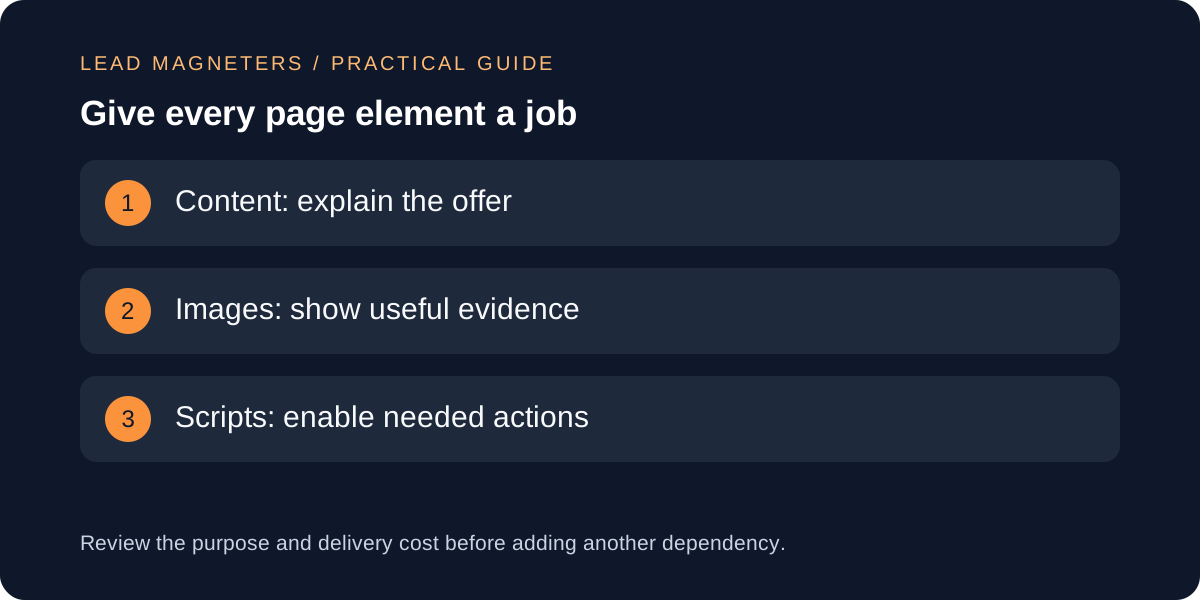
For a service page, decide what belongs in the first view and make that content available through a straightforward rendering path. Avoid making a decorative animation the gatekeeper for the headline or contact action. Reserve image dimensions so the layout can settle, and review whether a hero video actually helps the visitor make a decision. Keep lower-page media from competing unnecessarily with the main content. These are design and implementation choices to test together, not reasons to remove all useful visuals or turn every page into plain text.
Connect speed to landing-page clarity →
Treat third-party scripts as maintained features
Create an inventory of analytics, chat, review widgets, advertising tags and embedded media. For each item, record who requested it, what question or customer action it supports and where it needs to load. A tool required on a campaign page may not need to run on every article. An abandoned experiment should not remain active indefinitely because nobody remembers where its script was added. Review the actual production page, not just the list of approved tools.
Before introducing another widget, compare a simpler implementation. A normal contact link may satisfy a requirement that initially sounded like a persistent chat interface. A static explanation can sometimes replace an interactive decoration. Where a script is useful, test loading behaviour and ensure that delaying it does not break the user's task or the agreed measurement design. Remove tools through a controlled change with the relevant owner, because an apparently unused tag may still serve a reporting or operational purpose.
Put performance checks into the content release process
Most growing service sites publish content more often than they redesign templates. Make the editorial checklist catch the common regressions: oversized images, accidental video embeds, missing dimensions and copied markup that introduces unnecessary dependencies. Preview a long article with both images loaded, inspect its mobile layout and follow its primary action. A page that loads quickly but hides a link under a broken layout has not passed a useful review.
Developers can automate selected budgets; Google's Lighthouse documentation shows how resource budgets can be represented in a configuration file. Choose checks that reveal meaningful regressions in your own templates and keep their measurement conditions stable. When a check fails, identify whether the content, shared template or an external service caused the change. Do not repeatedly rerun a noisy test until one favourable number appears. Compare the evidence, document accepted exceptions and keep a known working deployment available for recovery.
Scale the system without multiplying maintenance
For several related websites, reuse a small set of well-tested patterns: article layouts, image guidance, accessible navigation and form handling. Keep each site's assets and content relevant to its own audience. A shared standard is useful because it makes a new page predictable; it should not force unrelated businesses into the same messaging or load features they never use. Check a representative page after changes to any shared component because the cost can affect every site using it.
Hosting is one part of this system. Before upgrading a plan, determine whether the delay comes from the server, large assets, rendering work or a third-party dependency. Buy capacity when the evidence supports it, and keep measuring after the change. If you are preparing a website development brief, include your main customer journey, current baseline, must-have features and who will publish future content. Those details make it possible to design a site that stays manageable as it grows, rather than one that is fast only on the day it launches.