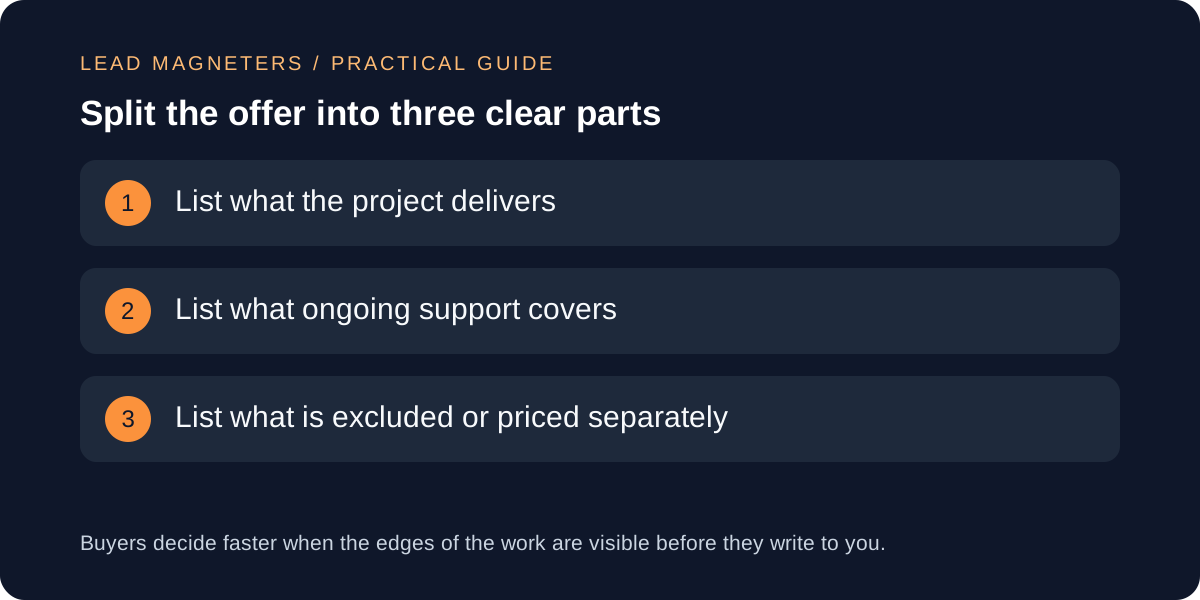
A service project boundary is a plain statement of three things: what the project delivers, what ongoing support covers after delivery, and what is not included or is priced separately. Most misunderstandings between a service business and a new client start here, not with price. A page that says only 'full support' or 'complete marketing' leaves each side imagining something different. This guide is for small service businesses, including teams in Istanbul working with international buyers, who want to write that boundary on the service page and in the first reply to an enquiry. It includes a fictional example and a table you can adapt. It does not recommend any particular scope or fee, and nothing here promises rankings, leads or results.
Why the boundary belongs before the enquiry
A visitor reading a service page is deciding whether to write to you. If the page leaves the edges of the work unclear, the enquiry arrives full of assumptions, and your first reply becomes a negotiation about expectations instead of a conversation about the problem. Stating the boundary early also respects visitors who only want information: they can learn what a service involves without being pushed into a form.
Google's people-first guidance asks whether a reader will leave feeling they learned enough to reach their goal, and whether it is clear who created the content and how. A scope statement is a practical version of that idea for a service page. It tells the reader what they would actually get, in your own words, rather than leaving them to infer it from slogans.
Define what the project delivers
Describe deliverables as things a client can point to, not activities. 'Monthly optimisation' describes effort; 'a written audit with a prioritised fix list and one review call' describes an output. Schema.org's Service type is a useful reminder here: it has a property for the tangible thing a service generates, which encourages you to name the output rather than the labour.
Add the practical limits of each deliverable: how many revisions, how many pages or campaigns, which languages, and what the client must supply, such as access, approvals or source material. Keep each item to one sentence. If a deliverable depends on third-party platforms, say so, because you cannot control their review times or policies.
Define what ongoing support covers
Support is where the largest gaps appear, because it is rarely written down. Decide and state what happens after delivery: whether questions are answered for a set period, which channel is used, in which working hours and languages, and how quickly you aim to acknowledge a message. Schema.org's Service type includes properties for available hours and area served, which shows how ordinary these details are in a service description.
Separate fixing something that you delivered incorrectly from new work. A defect in a delivered item is usually yours to correct within a stated period; a new request is a change to scope. Say plainly which is which, and avoid promising an urgent response you cannot staff. Use 'we aim to reply within' wording only if you will really track it.
Match support to team capacity →
State exclusions and separate costs without fine print
Exclusions are not a weakness. Naming what is not included, such as advertising spend paid to platforms, stock images, translation, hosting or content writing, prevents the quiet disappointment that follows an assumed inclusion. Put exclusions near the deliverables they qualify, in normal-sized text, not in a footnote.
The US Federal Trade Commission's small-business advertising guidance explains that an omission can mislead if it leaves a reasonable buyer with a false impression of something important, such as price or features, and that qualifying information should be clear and close to the claim. That guidance is US-focused, so check the rules in your own market, but the principle is sound anywhere: do not let a headline promise what the details take away.
A fictional example, written as a boundary table
Fictional example: a small Istanbul consultancy, invented for this guide and not a client case, sells a website audit. Under 'Delivers' it lists a written report, a prioritised fix list and one 45-minute review call. Under 'Support' it lists answers to questions about the report by email for 30 days, in English or Turkish, on working days. Under 'Not included' it lists carrying out the fixes, design work, advertising spend and any guarantee about search results.
Notice what the table avoids: no vague 'unlimited support', no promised outcome and no hidden extras. A first-time reader can see where the audit ends and where a separate, quoted project would begin. The consultancy can then reply to enquiries with the same three headings, which keeps early conversations short and consistent.
Publish it clearly and check it with a reader
Use short headings, a simple list or table and plain words, and keep the same wording on the page, in the enquiry form notes and in your first reply. If your form asks for project details, give each field a clear label and short instruction so visitors know what to enter; W3C's guidance on labels or instructions covers this, and also warns that too much instruction can be as unhelpful as too little.
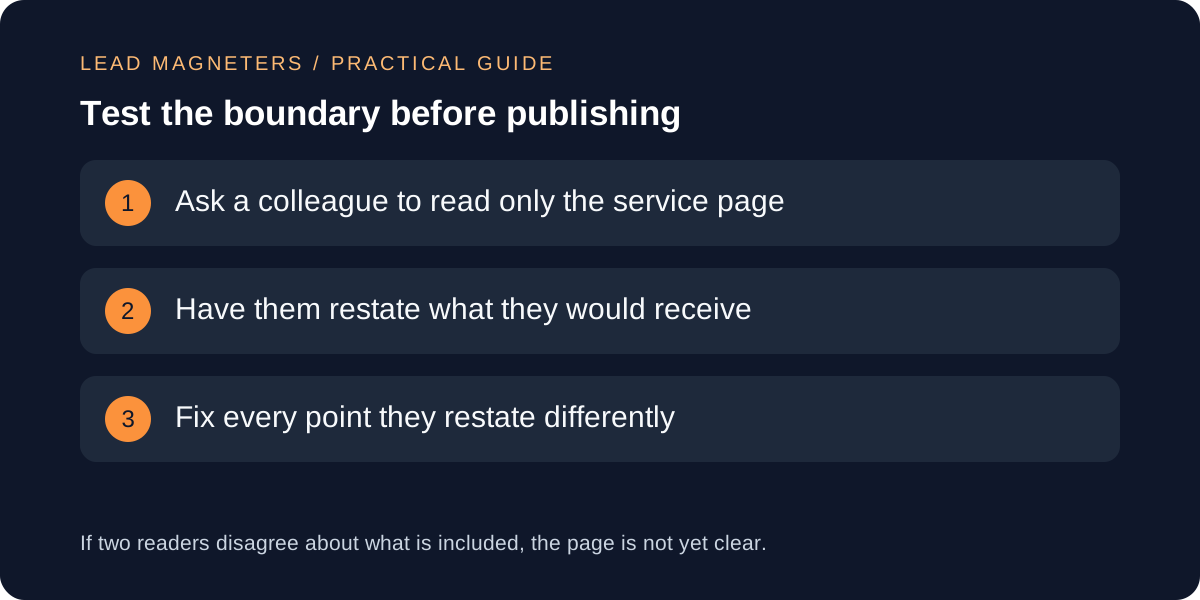
Before publishing, ask someone outside your team to read only the page and say what they would receive, what support they would get and what they would pay extra for. Fix every point they restate differently. Review the boundary whenever you change a service, a price list or your team's capacity, and keep a dated note of what changed. Test your enquiry form with synthetic data, not real leads.