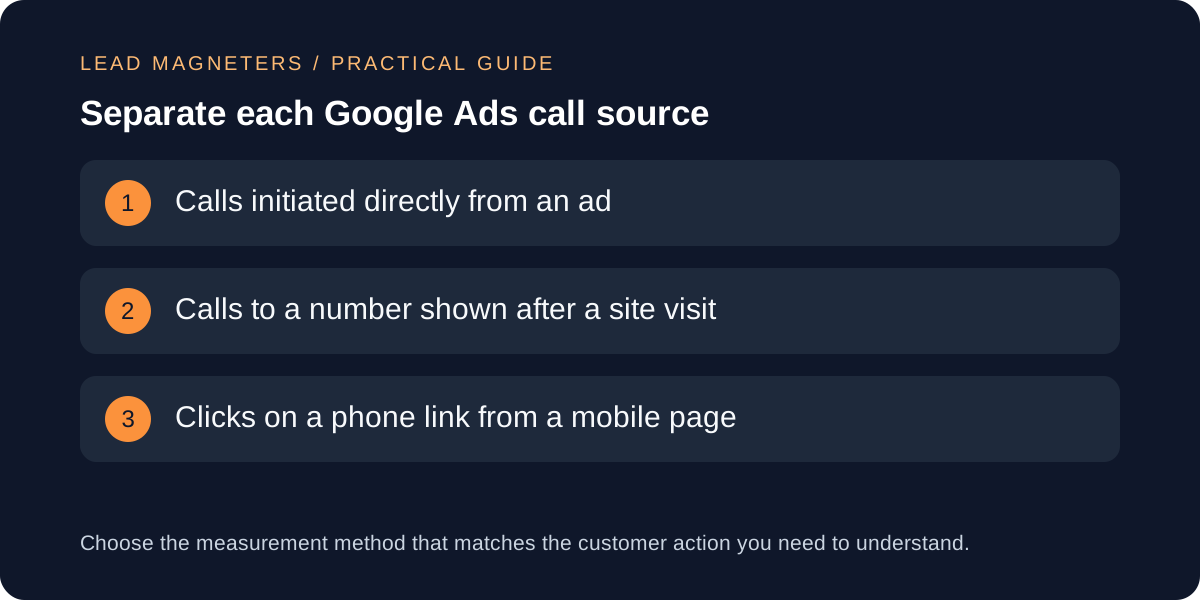
A Google Ads call conversion tracking checklist helps a service business distinguish several actions that can otherwise appear as one result. A person might call directly from an ad, visit the website and dial the displayed number, or tap a telephone link on a mobile page. Each path has different setup and reporting requirements. The business must also decide what kind of call should influence campaign decisions: a connected call, a call lasting beyond a defined threshold, or a qualified conversation confirmed by the sales team. Google Ads currently provides conversion methods for calls from ads, calls from websites and call outcomes supplied through supported uploads. This guide turns those options into a practical implementation and review brief for service teams in Turkey, the United States and the Gulf. It does not assume that every call is a lead or promise that tracking alone will improve campaign performance.
Define a useful call before configuring a conversion
Start with the business conversation rather than the advertising interface. Write down which calls the service team can handle, the working hours, supported languages, delivery markets and information needed for qualification. A short request for directions has a different commercial meaning from a project enquiry, even though both reach the same number. If the team treats every connection as an equally valuable lead, automated reporting can reward activity that does not match the service objective.
Agree a small call-stage vocabulary such as connected, relevant, qualified and accepted for follow-up. State who applies each stage and where it is recorded. Duration can be a useful preliminary rule, but it is not a universal definition of quality. A long call may concern support or an unrelated request, while a brief call may produce a suitable appointment. Use duration with business evidence, and document the limitation wherever a duration threshold is presented as a conversion.
Choose the call source the campaign needs to measure
Google Ads distinguishes calls made directly from ads from calls that happen after a person visits a website. Direct calls can originate from eligible call assets or call-focused ad experiences. Website calls require the setup appropriate to the displayed number or telephone link. A mobile click on a telephone link shows intent to call, but it does not by itself prove that the call connected. Keep those actions separate if the business needs to understand where the customer stopped in the journey.
Create a short source map with the ad interaction, page or asset, displayed number, expected reporting method and responsible owner. Include location assets if campaigns use them, because their numbers and reporting can differ from a general call asset. Google also supports calls via uploads for qualifying outcomes recorded outside the immediate ad or website event. Use that route only when the team can preserve the required identifiers, timestamps and formatting through an authorised lead-management process.
Understand forwarding numbers and customer-facing details
Google's call reporting uses Google forwarding numbers for supported call assets, location assets, call ads and eligible website call measurement. The forwarding number routes the call to the business and provides reporting such as call duration and start time, subject to country and product availability. It is owned by Google and can change or be reassigned, so it should not be copied into permanent marketing materials, contact databases or the website as the business's normal published number.
Confirm which countries and number types are supported for the actual campaign market before promising a particular setup. Keep the business number accurate in the relevant account and location settings. Schedule call assets for times when an appropriate person can answer, if the service cannot provide reliable coverage outside those hours. If a third-party call system is also involved, document how its numbers, privacy disclosures and reporting interact with Google Ads so the team does not count the same customer action twice.
Plan lead ownership and working-hour coverage →
Implement website call measurement without breaking the journey
For calls to a number displayed on the website, match the Google Ads setup to the number exactly as it appears and follow the current tag instructions for the account. Google documents both calls to a displayed number and clicks on a call link as available website-call methods. A dynamic forwarding-number implementation must preserve a usable clickable telephone link and the correct visible formatting. Test more than the replacement itself: check the page headline, number placement, consent state and mobile interaction.
Coordinate changes with the website owner and the person responsible for privacy and consent requirements. Google advises clear information about data collection and consent where required. Do not remove consent controls simply to make a test fire. Avoid placing personal call details in public URLs or analytics parameters. Keep the implementation lightweight, load only what the approved measurement plan needs, and verify that the telephone control remains accessible to keyboard and assistive-technology users after any script changes the displayed number.
Test the complete path and reconcile the reports
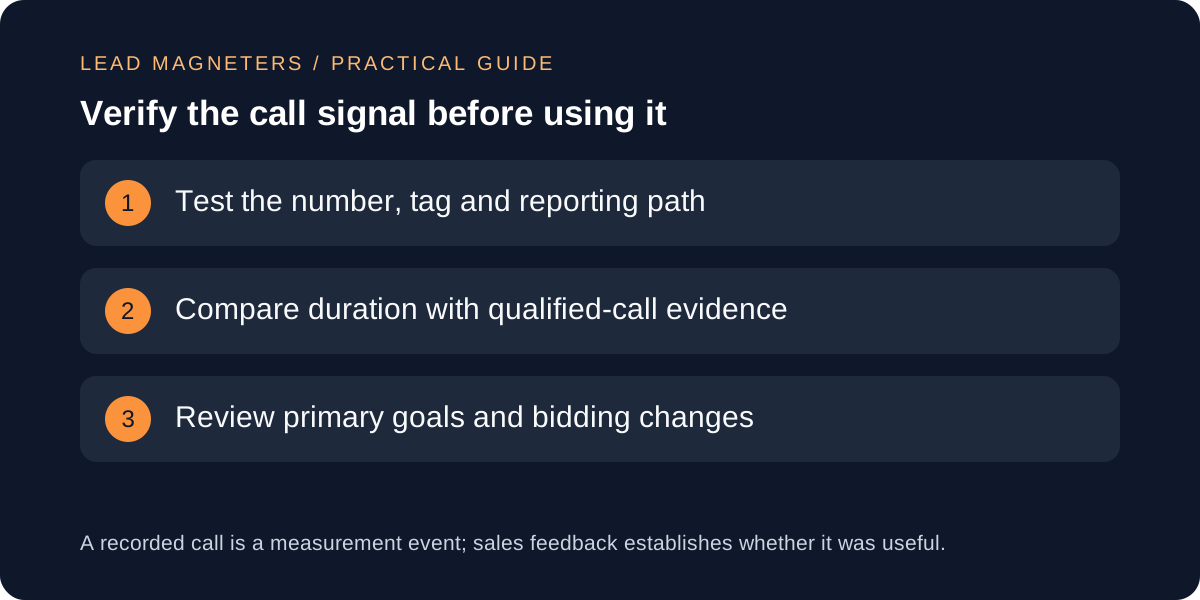
Prepare authorised test cases for each configured source. Confirm the ad or test route, final page, displayed number, dialled destination, connection result and expected conversion action. Google notes that a new call conversion can remain unverified or inactive until it records an actual conversion or a successful test event. Record the test time and account timezone so the team can find the result. Avoid repeatedly clicking live advertisements merely to generate evidence, since those clicks can incur cost and distort reporting.
Compare the Google Ads call details with the receiving phone system and lead record where access is authorised. Expect legitimate differences in scope and timing, then investigate unexplained gaps. Check that separate conversion actions do not count one journey twice, and verify whether a telephone-link click and a connected call are both included in headline totals. Keep screenshots or exported evidence free of unnecessary caller information. A successful tag test proves the configured event can be recorded; it does not prove that every future call is qualified.
Decide which call signal can guide bidding and review it
Review whether each call conversion should be primary for bidding or secondary for observation. Google emphasises that primary and secondary configuration affects how Smart Bidding uses conversion signals. A new action should not become primary simply because it is technically active. Confirm that its definition, duplicate controls and reporting coverage match the campaign objective, then allow an appropriate observation period before drawing conclusions. Record other changes to budgets, targeting or landing pages that could affect the result.
Schedule a recurring review of call source, connected-call volume, qualified outcomes and unanswered calls. Listen to or inspect call content only when the business has a lawful, disclosed and authorised process; otherwise use proportionate operational records. Update thresholds and goal settings when the service, staffing or market changes. For a Google Ads management discussion, bring the campaign goal, call-source map, current conversion actions, test evidence and qualification stages. Those materials make it possible to improve measurement without presenting more tracked calls as automatic proof of more valuable business.