A service page title review helps a business check whether its pages describe themselves clearly. The title in a browser tab, the main heading on the page and the title shown in a search result are related, but they are not interchangeable. Teams sometimes rewrite all three without deciding what the page is supposed to answer. This guide provides a manageable review process for an existing service website. It is useful for companies in Turkey and for teams publishing English pages for overseas buyers. The goal is accurate page identity and a useful change record, rather than a formula that promises a particular ranking or an exact search display.
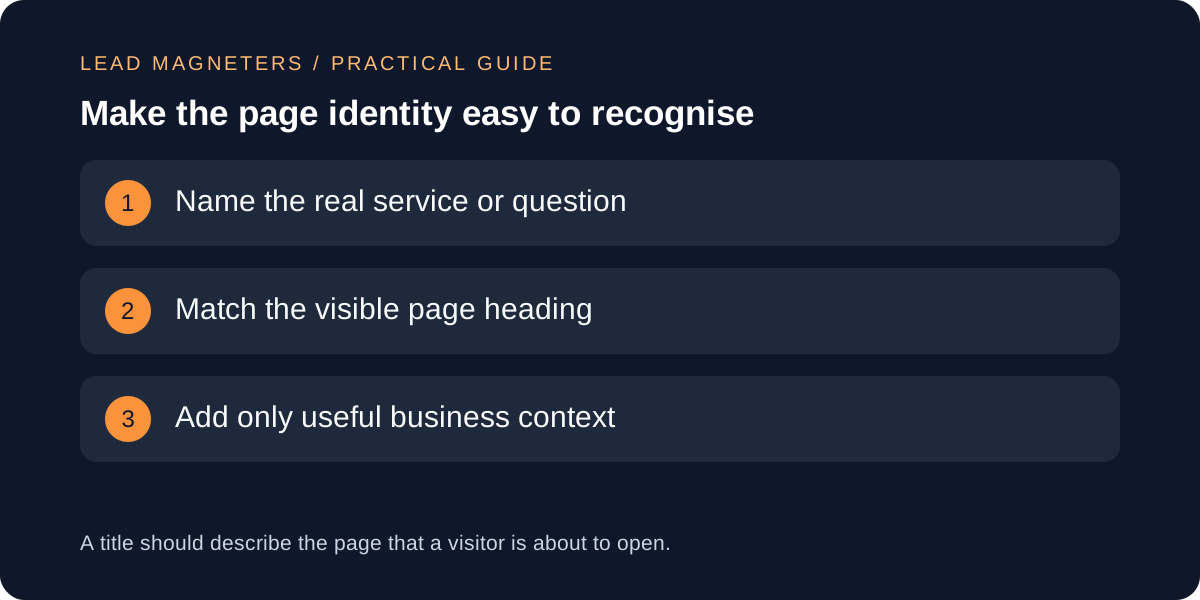
Define the service page before editing its title
Start by writing one sentence about the page's purpose. Describe the service, the audience and the next decision the visitor should be able to make. For a hypothetical website development page, the purpose might be to explain project scope and invite a discussion about requirements. If the page instead focuses on maintenance, the title should not suggest that it is a complete guide to building a new website. A title review often reveals a content problem that needs resolving before any metadata is changed.
Keep the review grounded in the actual service. Ask the delivery owner whether the page describes current capabilities and working arrangements. Do not add a city, industry or language simply because it looks attractive in a keyword list. If a business serves customers remotely, distinguish that from having a physical office in their location. An accurate title cannot compensate for unsupported location claims elsewhere on the page. Record any uncertainty as a content question and resolve it with the relevant owner instead of allowing the title editor to invent the answer.
Inventory the titles visitors and search engines encounter
Create a small table containing each public URL, current title element, visible main heading, page language and short purpose statement. Include the most important service pages first, then supporting pages where identity is unclear. Use the rendered public version rather than relying entirely on a content-management field. Templates sometimes add the business name automatically or reuse a default value when an editor leaves a field empty. What matters for this review is the title actually delivered with the page, alongside the content visitors see.
Look for patterns that deserve attention: identical titles on different services, missing service names, outdated years or a heading that describes something different from the title element. A hypothetical page called Services in its browser tab may need a more specific description when it covers only website development. Keep examples tied to real inventory findings. Do not assume every repeated word is a defect; the company name can be useful context. The issue is whether someone comparing several pages can distinguish their purpose without opening each one.
Write descriptive title options without a rigid formula
Google's title-link guidance recommends descriptive, concise titles and warns against excessive repetition and keyword stuffing. It also explains that displayed title links can come from several sources, including page headings and links, rather than simply reproducing the title element. Use that guidance as a reason to align the page's identity across its important elements. It is not a promise that entering a preferred title will force Google to display the same wording for every search or on every device.
Draft two or three options for difficult pages and explain the difference. One might emphasise the service itself; another might clarify a supported audience or delivery context. Prefer the version that describes the page with the least unnecessary wording. A hypothetical title such as Website Development for Service Businesses is more informative than a string of loosely related service keywords. Add the brand when it helps recognition, while checking how the site template already handles it. Avoid treating a character-count target as a guarantee against truncation or as an SEO score.
Review descriptions separately from titles →
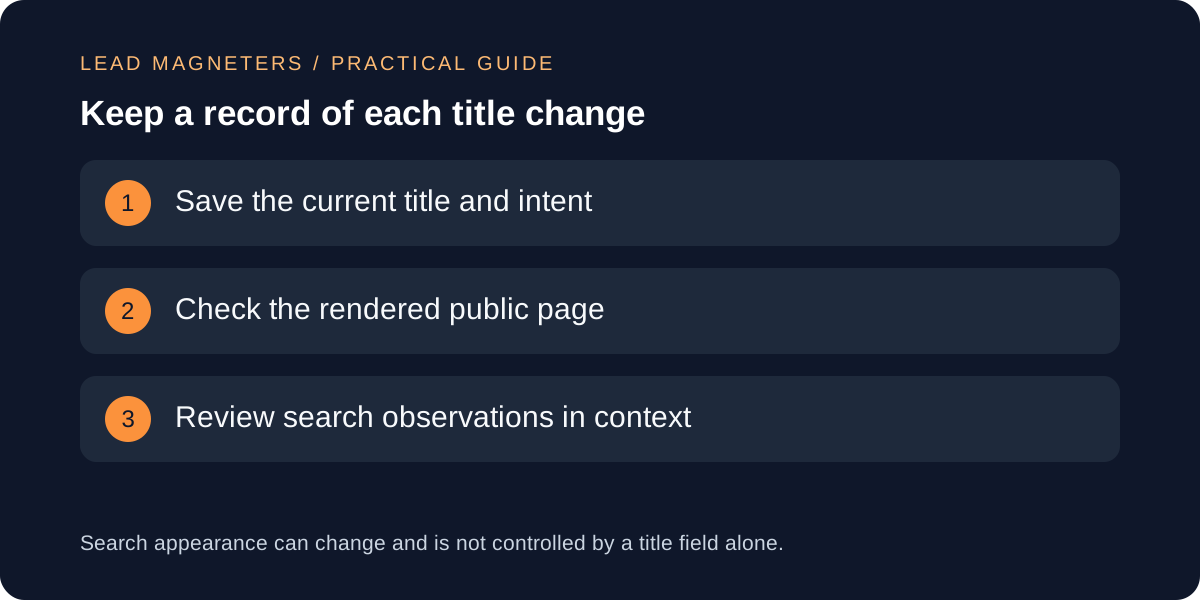
Review headings, language and related page boundaries
Read the proposed title beside the main heading and first paragraph. They do not need identical wording, but they should describe the same subject and level of detail. A title promising a checklist needs a page that genuinely helps someone perform the checks. A title promising a service should not lead only to a broad opinion article. If the first paragraph must repeatedly explain what the page does not cover, consider whether the page purpose or proposed title needs to be narrowed.
For multilingual sites, ask a competent reviewer to check the title in the language of the page. Direct translation can produce wording that sounds unnatural or describes a different service expectation. Keep a shared purpose statement across language versions while allowing natural phrasing. Also compare neighbouring pages. Two pages may legitimately discuss related services, but their titles and opening sections should make the distinction understandable. If the distinction cannot be explained, investigate the content structure before creating increasingly elaborate titles to disguise the overlap. A title review should make useful differences visible rather than manufacture them.
Verify the published result and preserve useful context
Before publication, record the previous title, approved replacement, reason for the change and the person who checked the service description. After publication, open the final public URL and verify the browser title and heading. Check that the correct language version was updated and that the canonical URL still points to the intended page. A title-only improvement normally does not require changing an established URL. Avoid introducing a migration simply to make the address resemble the new wording more closely unless there is a separate, well-founded structural reason.
Keep implementation checks proportionate. If a shared template changed, inspect representative pages that use it to make sure the business name was not duplicated or removed accidentally. If only one page changed, focus the review there and on its immediate links. Save a dated record of the rendered result so that future reviewers know what was actually published. This is particularly helpful when several people can edit metadata and headings separately. A clean record reduces the temptation to reverse a change based on an old screenshot or an unverified report.
Interpret search observations without overclaiming results
After search engines have had an opportunity to revisit the page, review relevant observations in Search Console and the customer journey. Compare like periods where practical and note any other changes, such as a campaign launch or a service rewrite. A movement in click-through rate can reflect query mix, position or seasonality as well as presentation. Small numbers make firm conclusions especially difficult. Use the data to decide whether the page appears to be attracting the intended audience, not to claim that one title caused every change in performance.
If the observed search title differs from your preferred version, first check whether the page still communicates a consistent identity. Review the heading, prominent text and links that describe it. Avoid repeatedly rewriting a sound title because of one search observation. For an SEO consultation, bring the page inventory, approved title changes and the business questions behind them. This gives the discussion a concrete starting point and makes it easier to decide whether the next useful improvement belongs in the metadata, the content itself or the wider service-page structure.