A Google Business special hours checklist helps a team prepare accurate information before a holiday, short closure or unusual opening day. The work begins with confirming actual availability, not with opening an editing screen. A business can confuse customers when its profile, website and enquiry team describe different schedules. This guide offers a practical coordination process for eligible businesses that already manage a Google Business Profile. It is relevant to teams in Turkey and those answering enquiries from overseas. It does not assume that every business should display public opening hours, and it does not promise that changing hours will improve rankings. The goal is to reduce avoidable uncertainty for customers.
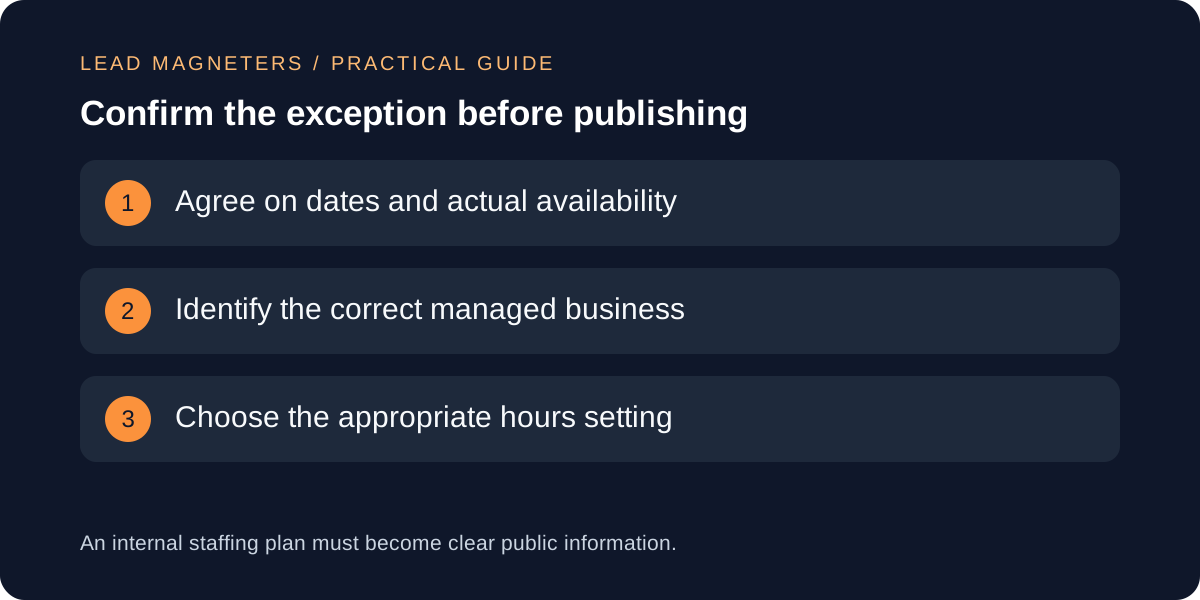
Agree on the real schedule with the service owner
Create a short record for the affected date or date range. Write down when the business will be available, what service that availability refers to and who approved it. Distinguish receiving an online message from having staff available to respond. A website form may accept enquiries during a closure without the office being open. Likewise, an appointment-only meeting arrangement should not be interpreted casually as unrestricted public access. If the team is unsure how to represent its operating model, resolve that question before publishing a confident but potentially misleading schedule.
Use explicit dates in the working document. Phrases such as next Monday become ambiguous when a message is forwarded or read later. For a hypothetical Istanbul service office, record the local operating schedule separately from any planned overseas customer calls. Do not copy a holiday calendar into the business profile without checking the company's actual decision. A public holiday does not by itself tell a content editor whether the business will be open. The person responsible for operations should provide the answer, while the marketing owner ensures that the approved information reaches the appropriate channels.
Choose the setting that matches the exception
Google's special-hours documentation describes a way to represent short changes without replacing regular hours. It currently distinguishes brief exceptions, including closures of up to six consecutive days, from closures of seven or more days or an unknown duration, for which it directs businesses to the temporarily closed status. It also notes that special hours require the appropriate main-hours configuration to display. Check the live guidance when preparing a change because the available interface and applicable settings can vary. Do not force a longer operational change into a short-exception workflow simply because that field is familiar.
Write the intended outcome before entering values: for example, the business is closed on one confirmed date and returns to its usual schedule afterward. This gives the editor and reviewer something concrete to compare with the saved result. If the change affects only one type of service, investigate the appropriate representation instead of assuming all customer-facing operations share the same hours. Keep the scope narrow and factual. The checklist is a coordination tool, not a substitute for reading the platform's current rules or understanding how the business actually serves customers.
Confirm the right business before editing
Teams managing several brands should identify the intended profile using more than a remembered browser tab. Compare the business name, website and relevant location information with the approved change request. If access opens another company or an unfamiliar location, stop and resolve the selection before editing. Do not apply a schedule to every profile merely because they share an account manager. A central office and a separate customer-facing branch may follow different operating arrangements. Each change should have an identifiable owner and a clearly defined destination.
Keep an internal record of the profile identifier or management link used for the update, along with the approved dates. This makes later verification easier and reduces confusion when names are similar. Share access through the organisation's normal account-management process rather than circulating passwords in the schedule document. For this task, an editor only needs the approved operating information and authorised profile access. Avoid including private staffing details, personal travel plans or reasons for an absence in the public description when a straightforward statement about availability is sufficient.
Assign ownership for incoming enquiries →
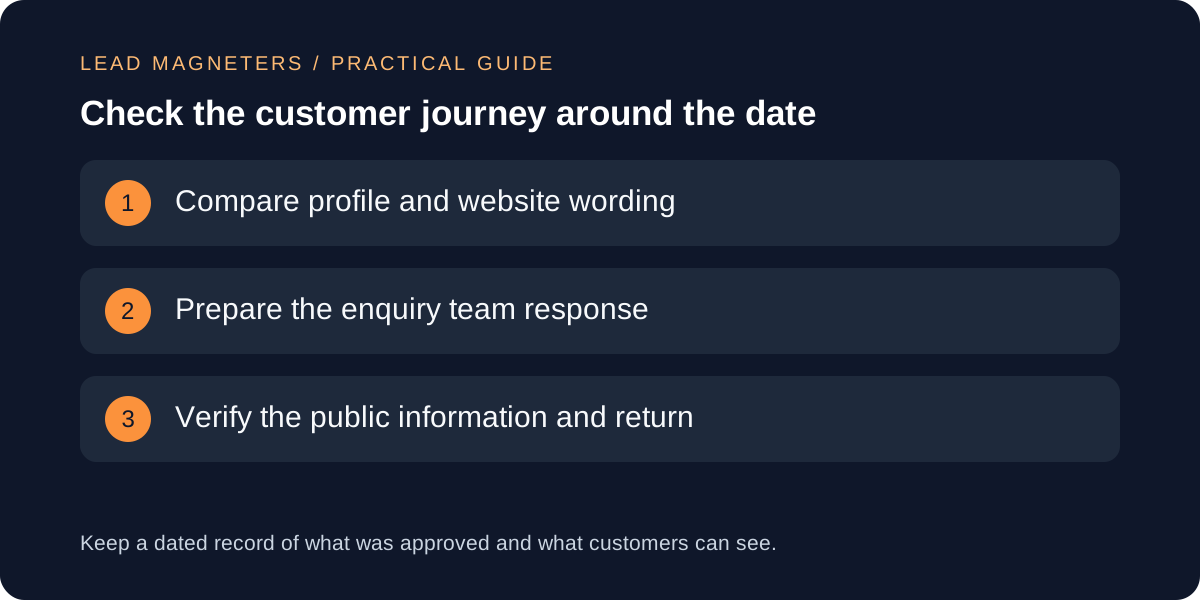
Align the website and enquiry response with the schedule
Review the contact page, appointment instructions and any prominent hours information on the website. If they would contradict the approved exception, prepare a clear, proportionate update. A short dated notice may be useful when it answers a real customer question, but it should not become a permanent banner long after the event. Decide who will remove or revise it. Keep the wording consistent with what the business can deliver. Do not promise an immediate response during a closure simply because that phrase appears in an old form confirmation or automated email.
Prepare the people handling enquiries. Give them the approved dates, the expected return to normal operations and a suitable response for messages received during the exception. For international customers, include an unambiguous time-zone reference where timing is relevant. Avoid publishing a universal response-time guarantee unless the team has explicitly committed to it. A useful reply can acknowledge the request and explain when the next update is expected. The purpose is a coherent customer experience across channels, rather than identical text copied everywhere regardless of context or space.
Verify what customers can see after saving
After saving the profile change, reopen the relevant information and compare it with the approved schedule. Check each affected date, including any split opening periods or overnight arrangement that needs special attention. Google documents particular handling for hours that cross midnight; use that guidance if it applies rather than guessing how a single range will be interpreted. Record whether the change appears as saved, pending or publicly visible. These are different states, and an editor should not report a completed public update based solely on having typed values into a form.
Review the website notice and enquiry response separately. Open the public contact page rather than relying only on an editor preview. If another person performs the profile update, ask for a dated record of the result and independently verify the relevant public information when possible. Keep the evidence focused on the schedule, without capturing unrelated customer information. If the displayed result differs from the approved plan, investigate the specific discrepancy before submitting repeated changes. Repeated edits without understanding the current state can make it harder to establish which version is actually awaiting review.
Close the loop when normal operations resume
Assign a follow-up owner before the exception starts. They should confirm that ordinary operations have resumed and that any temporary website message or manual enquiry response has been retired appropriately. A date-specific platform setting does not automatically remove a notice placed elsewhere. Review the channels listed in the original plan, including any booking instructions that were adjusted. Keep the final record with the approval and verification details so the next holiday review starts from a reliable process rather than from uncertain recollections of what happened last time.
Look for recurring customer confusion that the process can address. If people repeatedly ask whether online enquiries are accepted outside opening hours, clarify that distinction on the contact page. If overseas prospects misunderstand meeting availability, improve the appointment instructions instead of expanding public hours inaccurately. For an SEO or website consultation, bring the current profile, contact-page wording and the operational questions customers ask. These materials support a focused discussion about local information accuracy and the enquiry journey, while keeping every public claim aligned with the way the business actually operates.